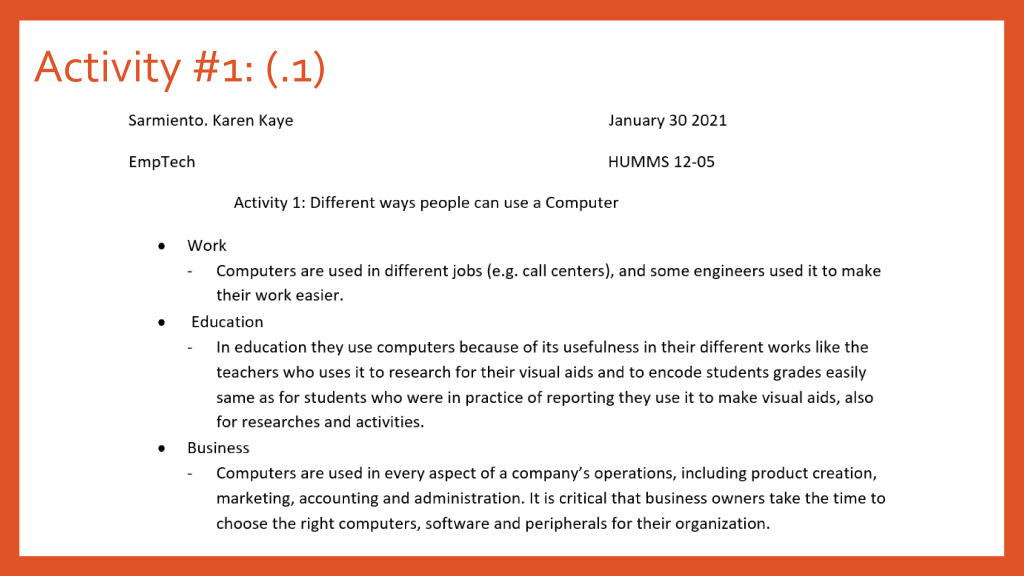
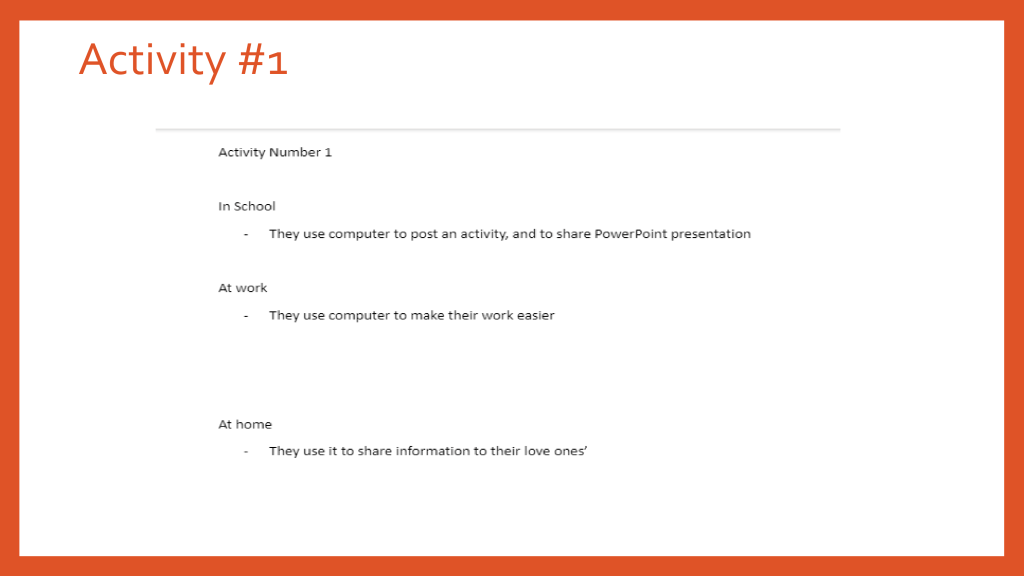
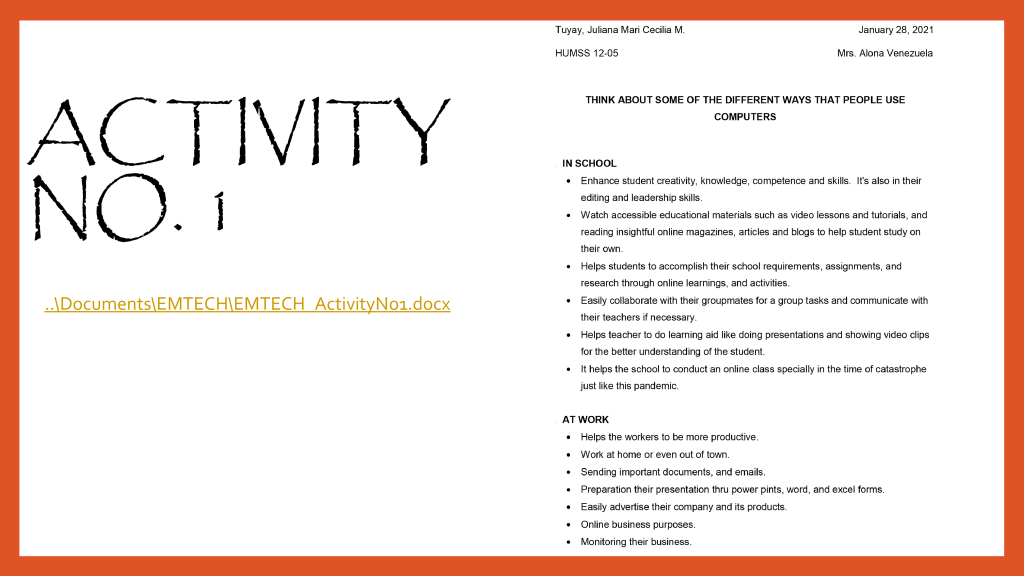
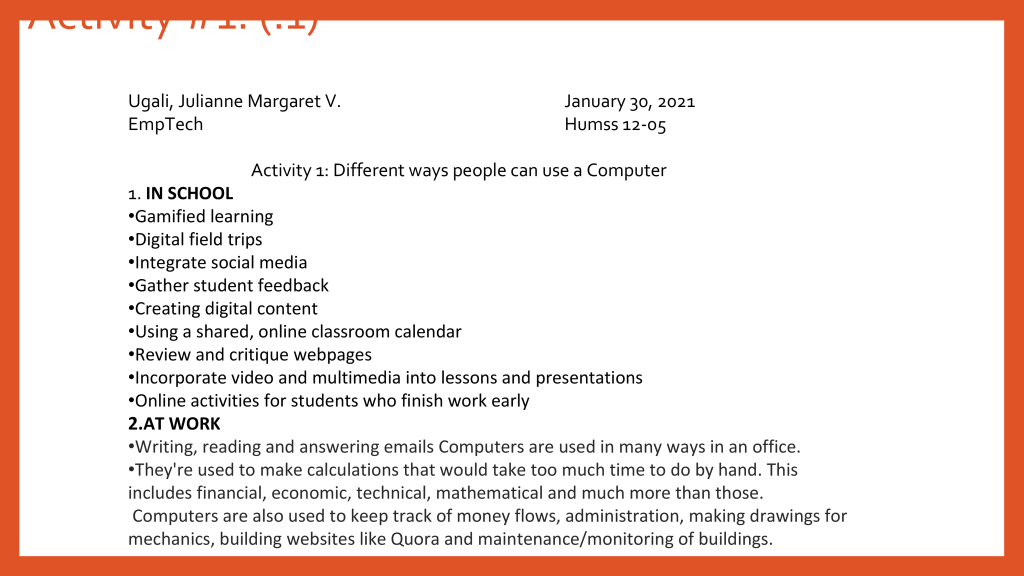
ACTIVITY 1: Different ways people can use a Computer.
In school:
Gamified learning
Digital field trips
Integrate social media
Gather student feedback
Creating digital content
Using a shared, online classroom calendar
Review and critique webpages
Incorporate video and multimedia into lessons and presentations
Online activities for students who finish work
At work:
Writing, reading and answering emails Computers are used in many ways in an office.
They’re used to make calculations that would take too much time to do by hand. This includes financial, economic, technical, mathematical and much more than those.
Computers are also used to keep track of money flows, administration, making drawings for mechanics, building websites like Quora and maintenance/monitoring of buildings.
At home:
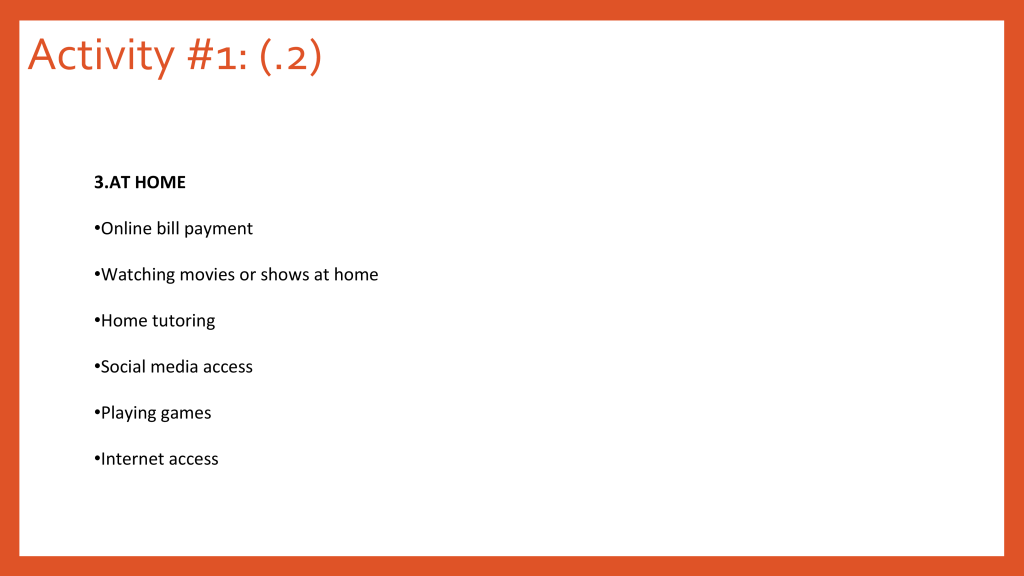
Online bill payment
Watching movies or shows at home
Home tutoring
Social media access
Playing games
Internet access
ACTIVITY 2: 5 Internet Threats
1. Malware
Malware is malicious software such as spyware, ransomware, viruses and worms. Malware is activated when a user clicks on a malicious link or attachment, which leads to installing dangerous software. Cisco reports that malware, once activated, can:
2. Phishing
Phishing attacks use fake communication, such as an email, to trick the receiver into opening it and carrying out the instructions inside, such as providing a credit card number. “The goal is to steal sensitive data like credit card and login information or to install malware on the victim’s machine,” Cisco reports.
3. Spam:
Spam refers to unsolicited messages in your email inbox. From the sender’s perspective, spam is a great way to get their message across in an efficient and cost-effective way. While spam is usually considered harmless, some can include links that will install malicious software on your computer if the recipient clicks on it.
4. Phishing
Created by cybercriminals attempting to solicit private or sensitive information, phishing schemes tend to be the starting point of nearly all successful cyberattacks. Phishing schemes can disguise itself in many forms, whether its posing as your bank or a common web service, with the sole purpose to lure you in by clicking links and asking you to verify account details, personal information, or passwords. Many people still associate phishing threats with emails, but the threat has evolved beyond your inbox. Hackers are now employing text messages, phone calls, phony apps, and social media quizzes to trick an unwitting victim.
5. Computer Worm:
The distinctive trait of a worm is that it can self-replicate and doesn’t require human interaction to create copies and spread quickly and in great volume. Most worms are spread though tricking internet users and are designed to exploit known security holes in software. Since many employees use their phones for work-related tasks when they are not within the perimeter of their corporate firewall, businesses are at a high risk for potential worms. If a machine is infected, the worm can: corrupt files, steal sensitive data, install a backdoor giving cybercriminals access to your computer, or modify system settings to make your machine more vulnerable.
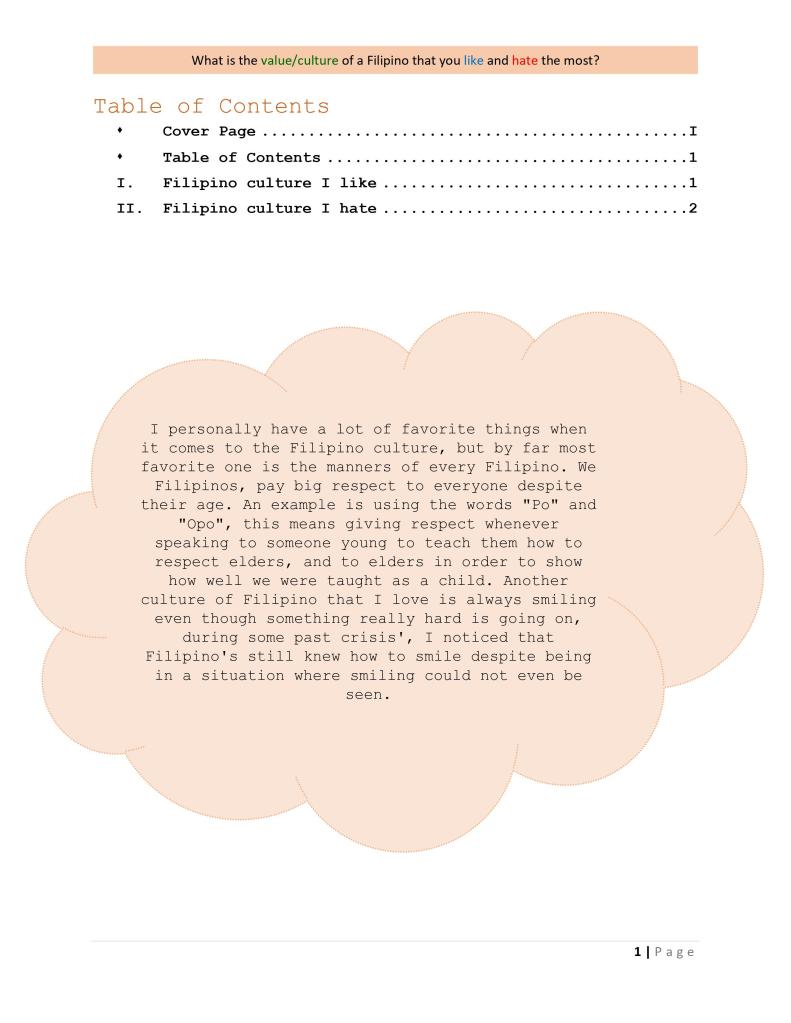
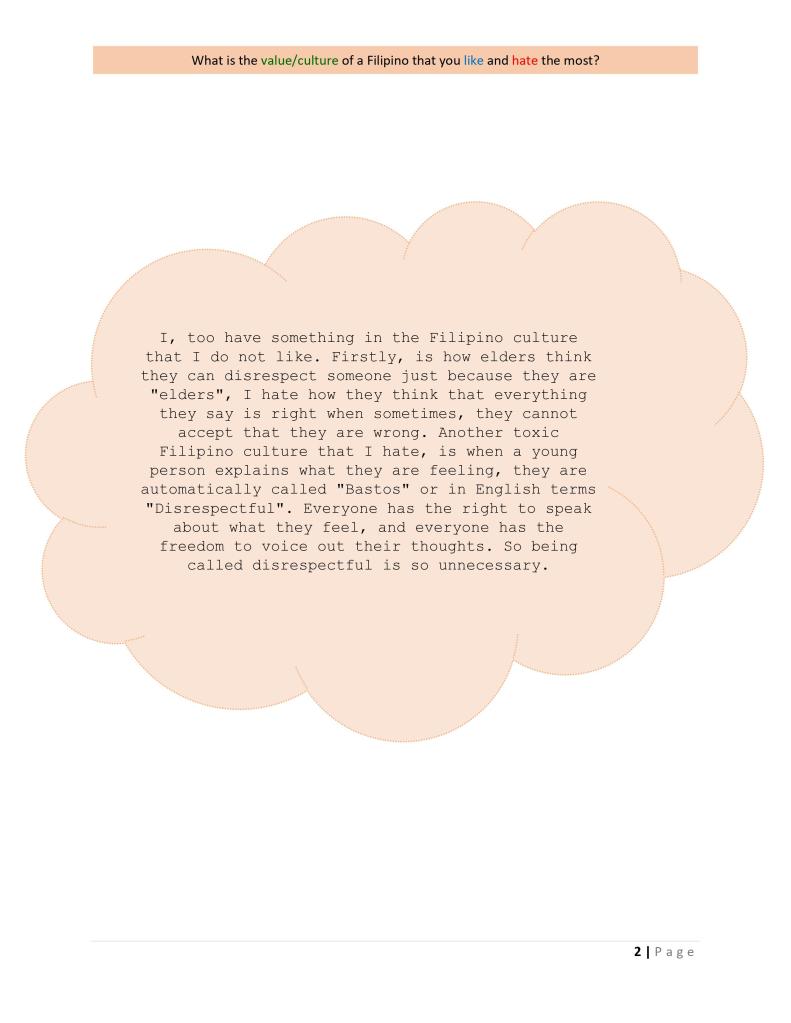
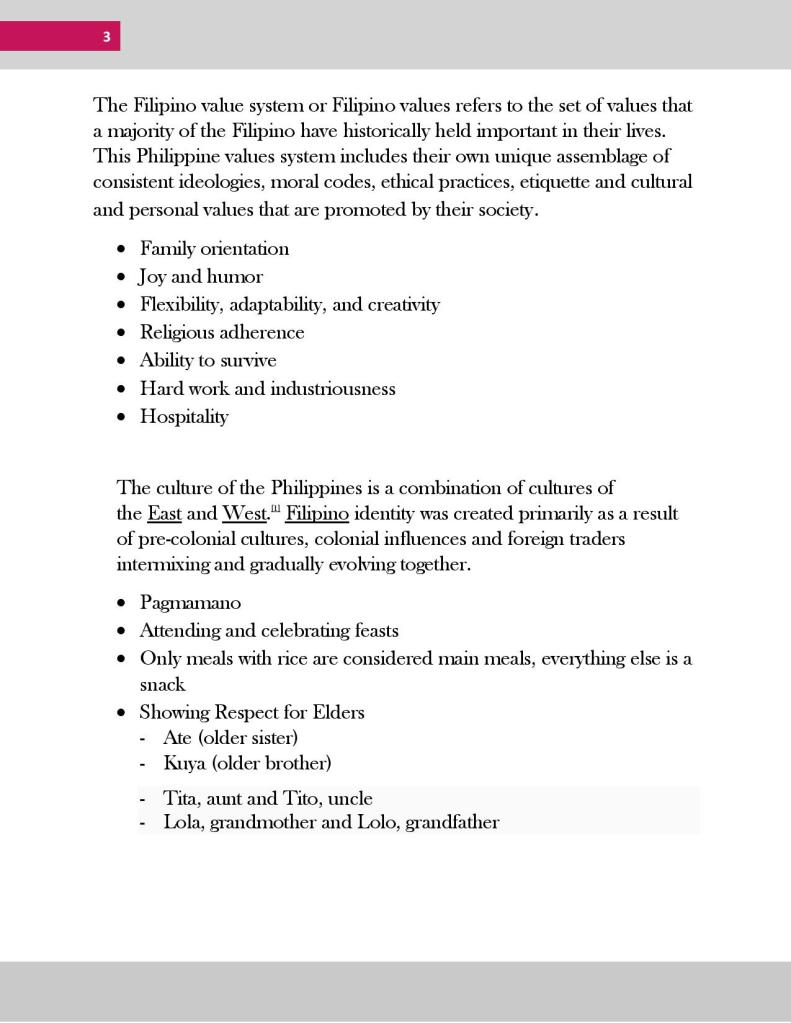
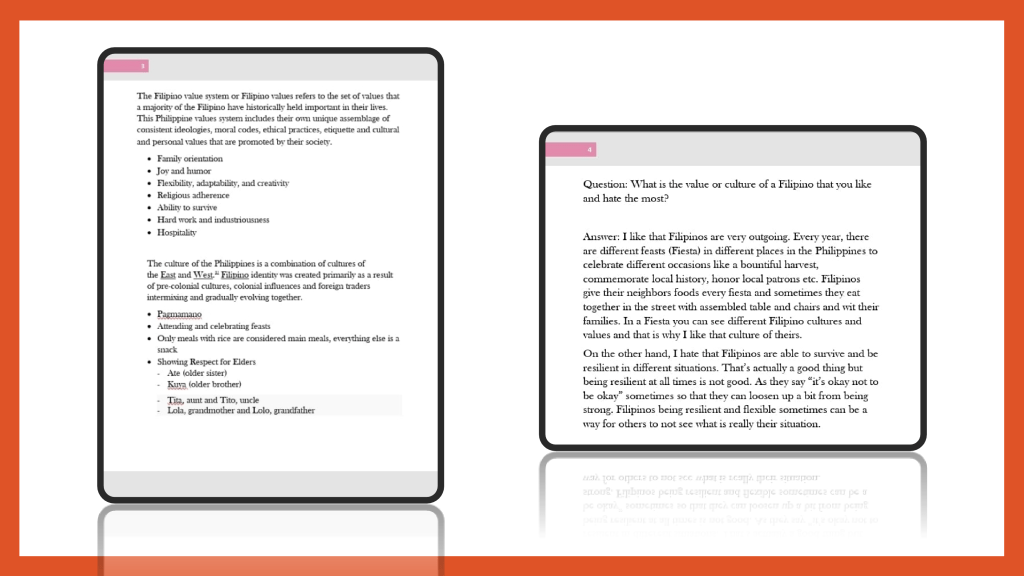
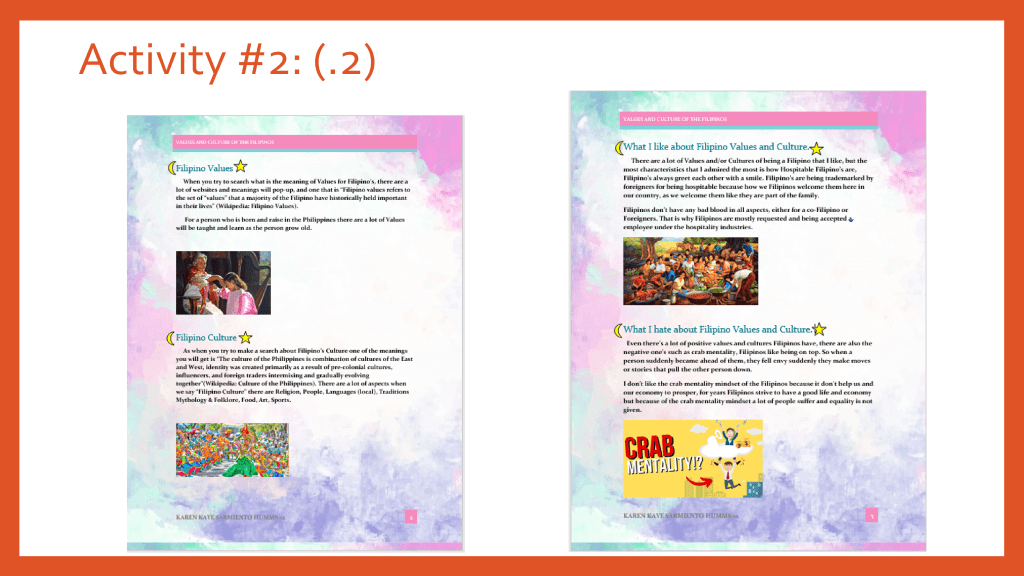
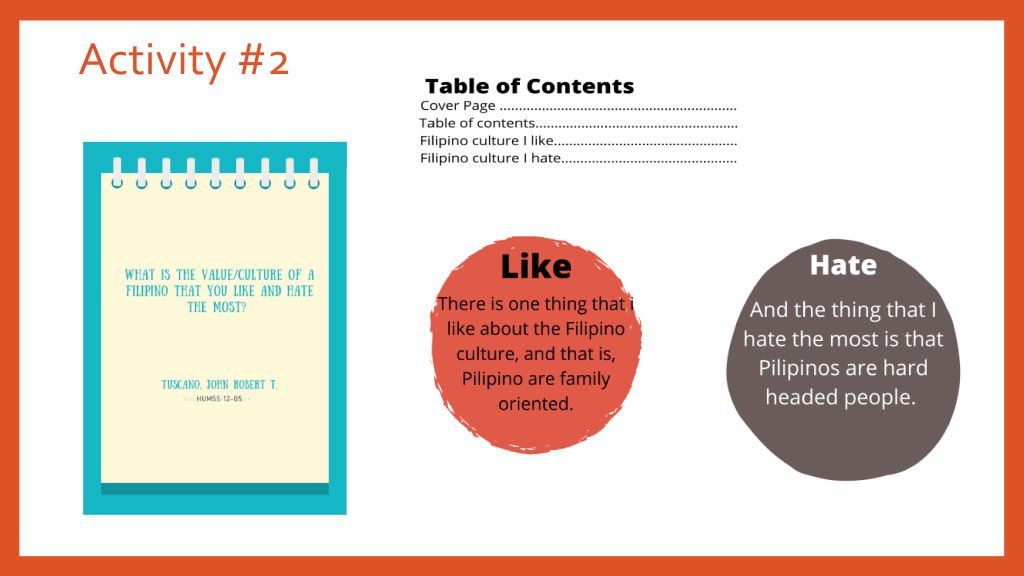
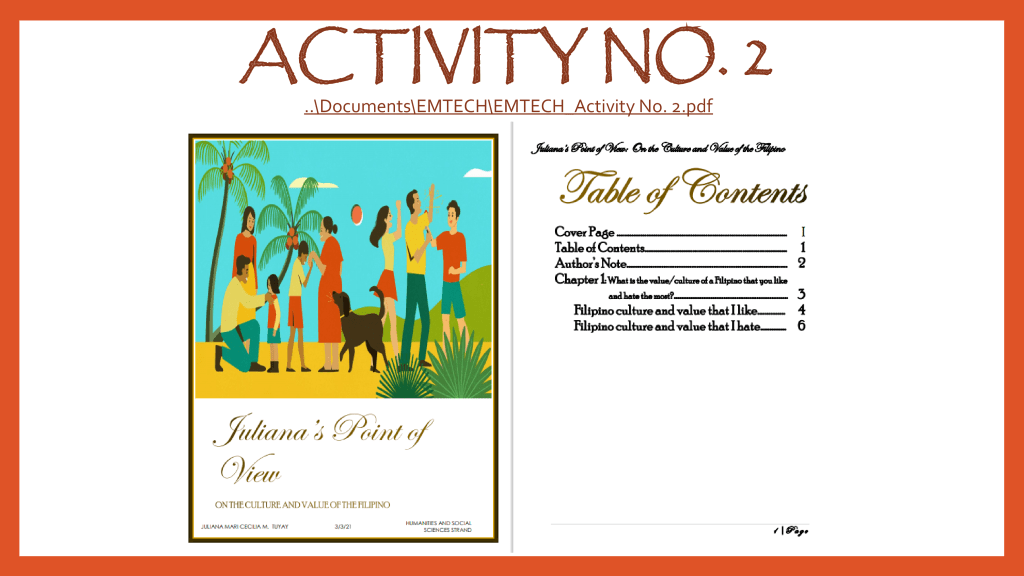
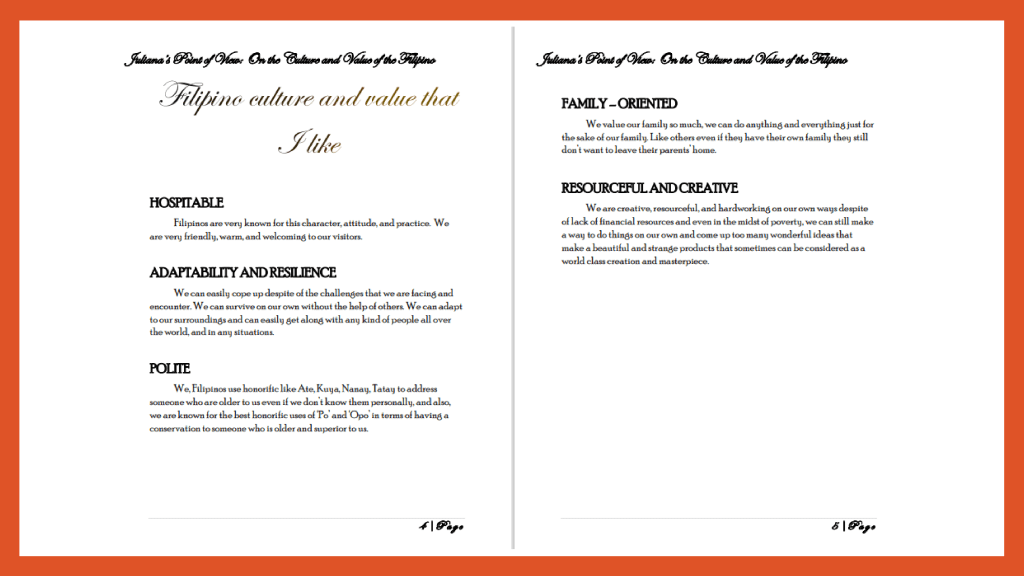
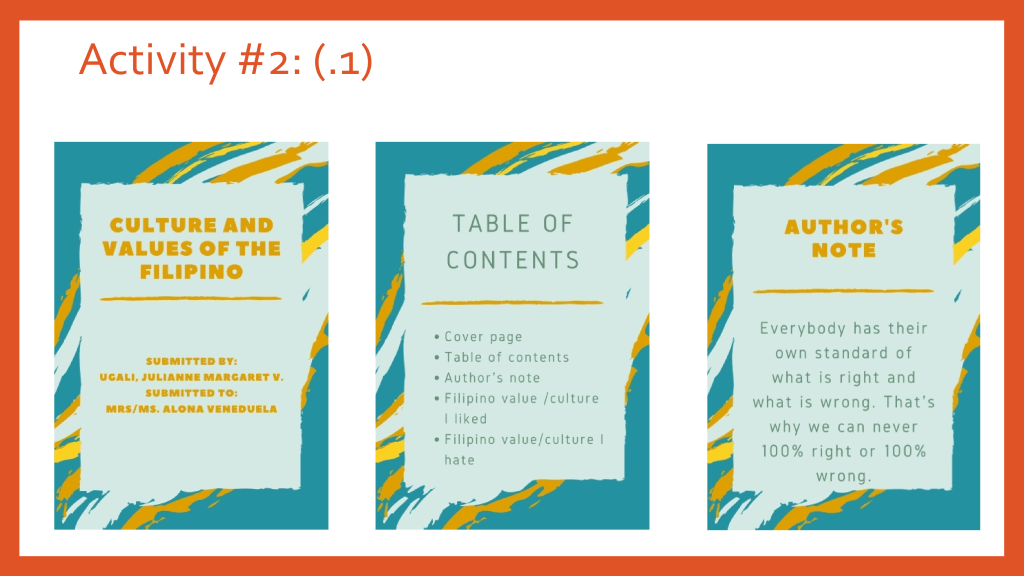
ACTIVITY 3: What is the value/culture of a Filipino that you like and hate the most?
ASSIGNMENTS
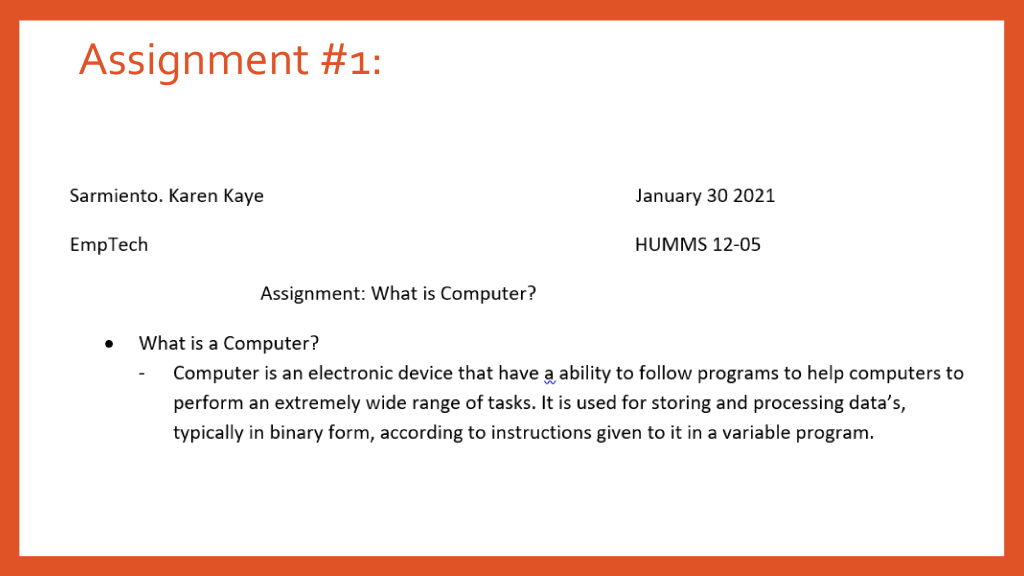
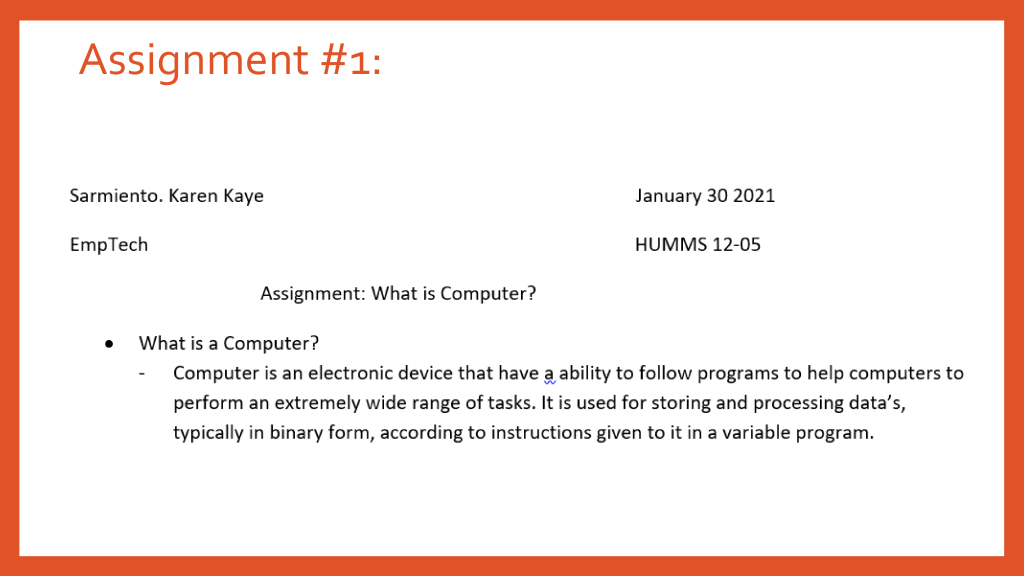
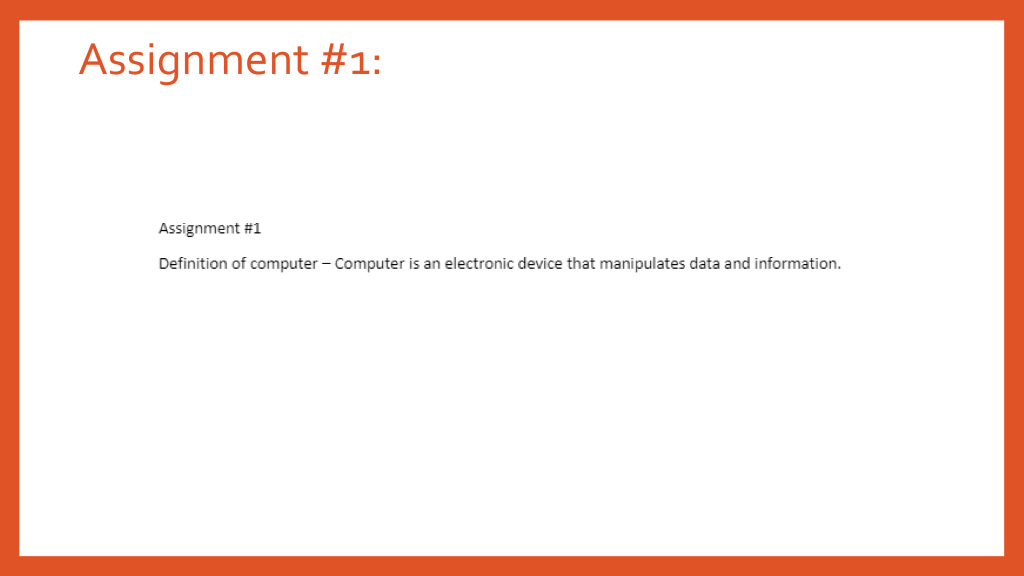
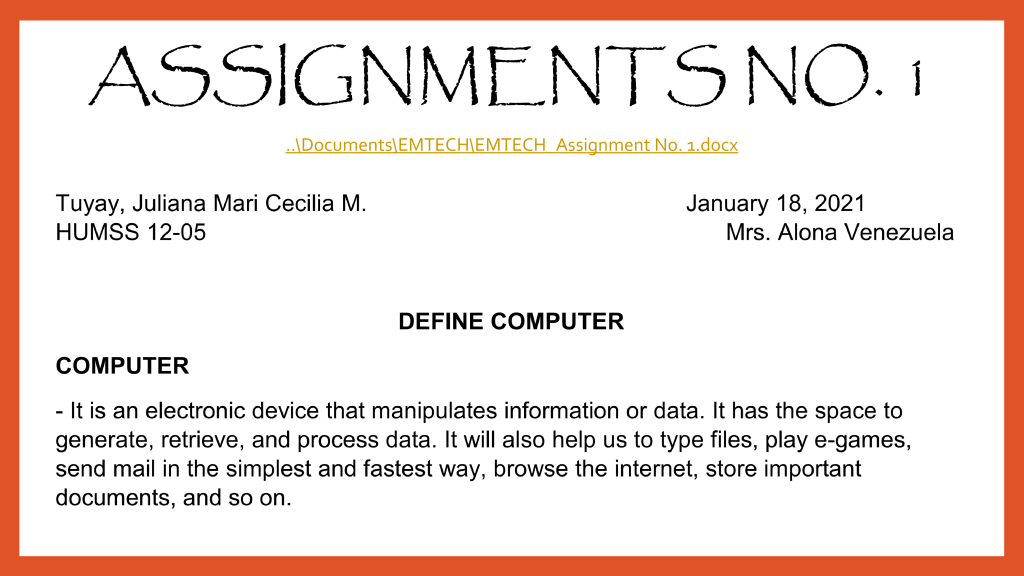
ASSIGNMENT 1: What is Computer
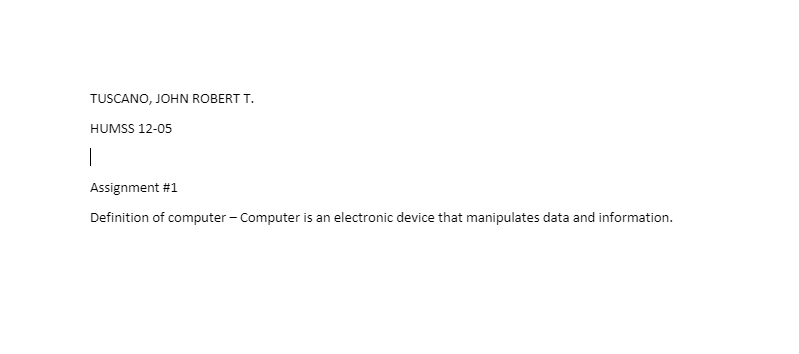
A computer is a machine that can be instructed to carry out sequences of arithmetic or logical operations automatically via computer programming. Modern computers have the ability to follow generalized sets of operations, called programs. These programs enable computers to perform an extremely wide range of tasks.
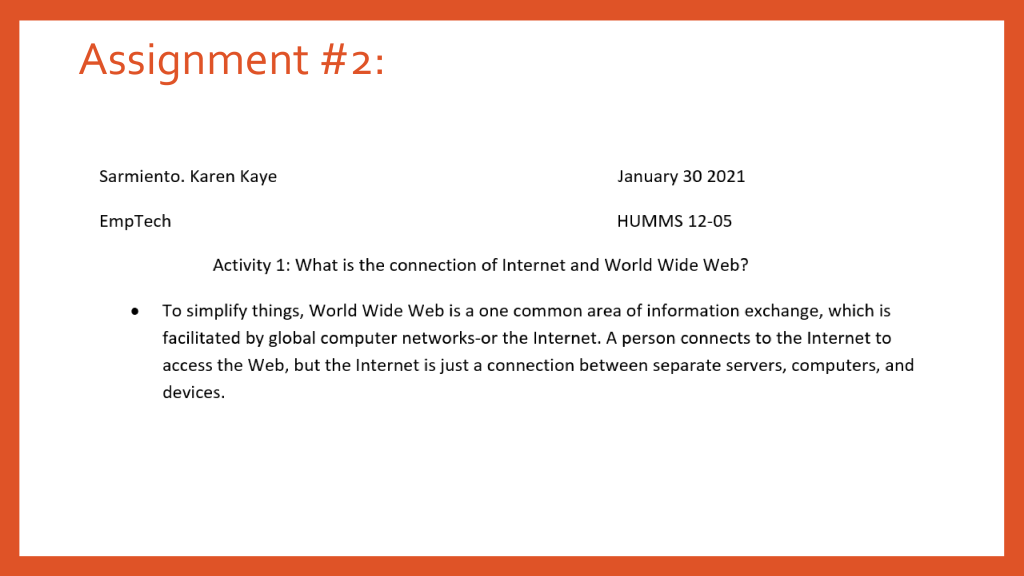
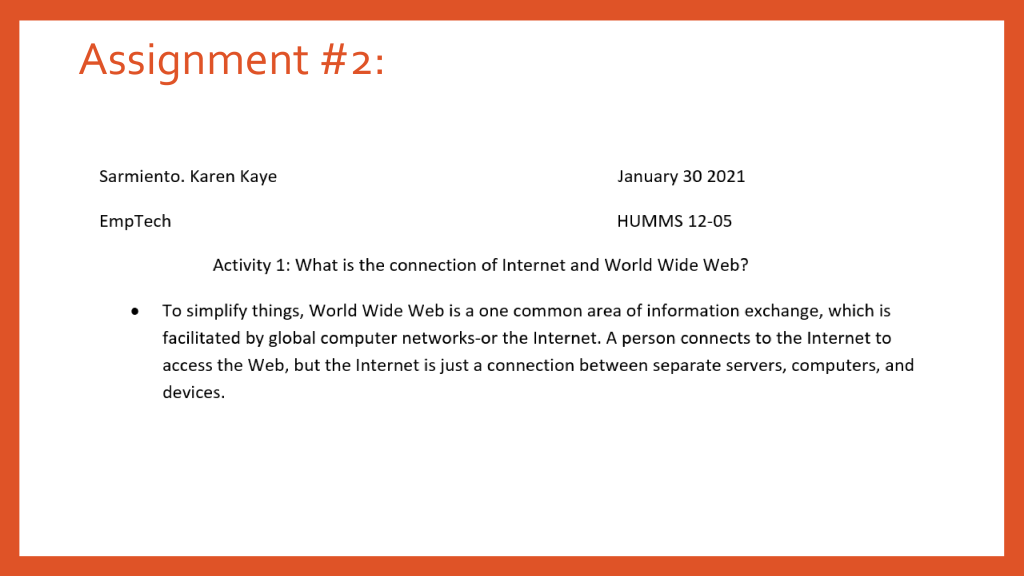
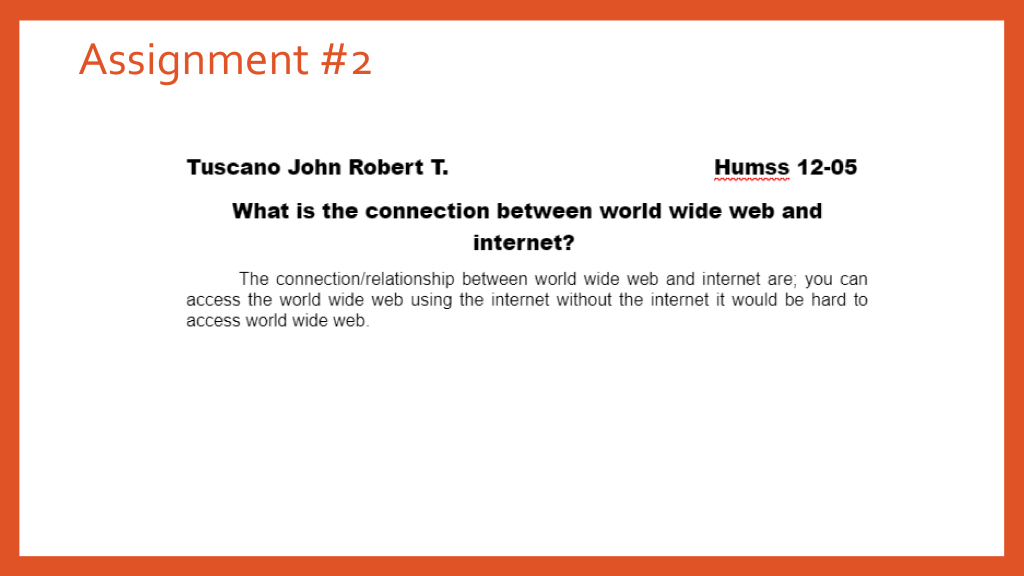
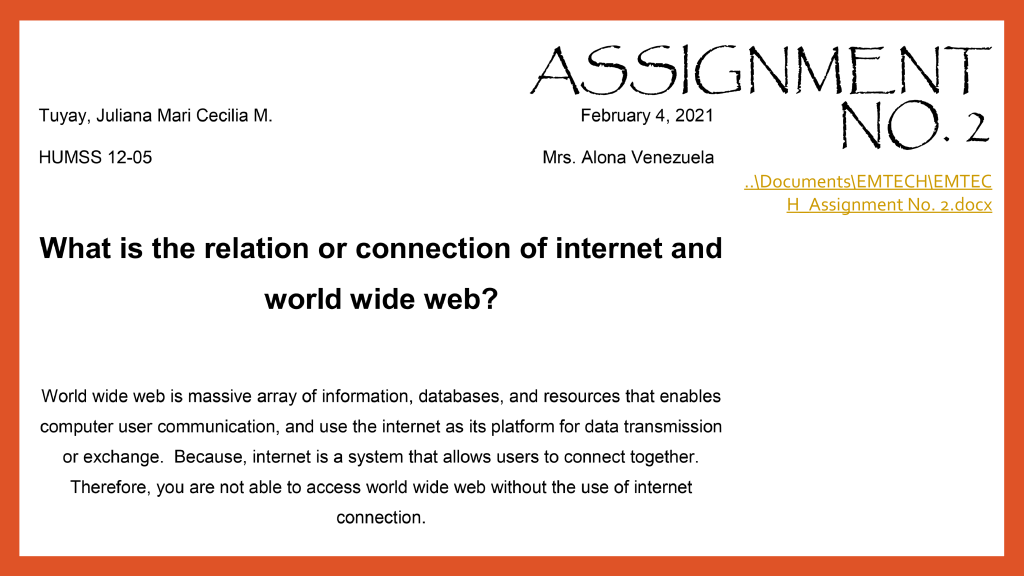
ASSIGNMENT 2: What is the connection of Internet and World Wide Web?
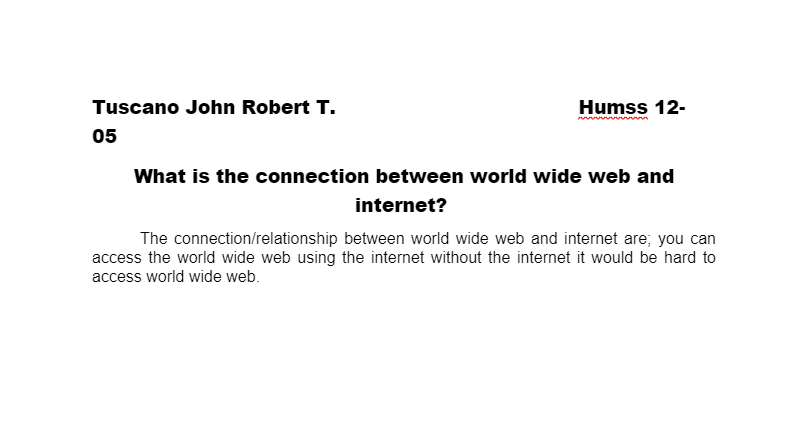
In simple terms, the World Wide Web is just one common area for information exchange, facilitated by global computer networks or the Internet. You connect to this Internet to access the Web, but the Internet is just the connection between countless, separate servers, computers, and devices.
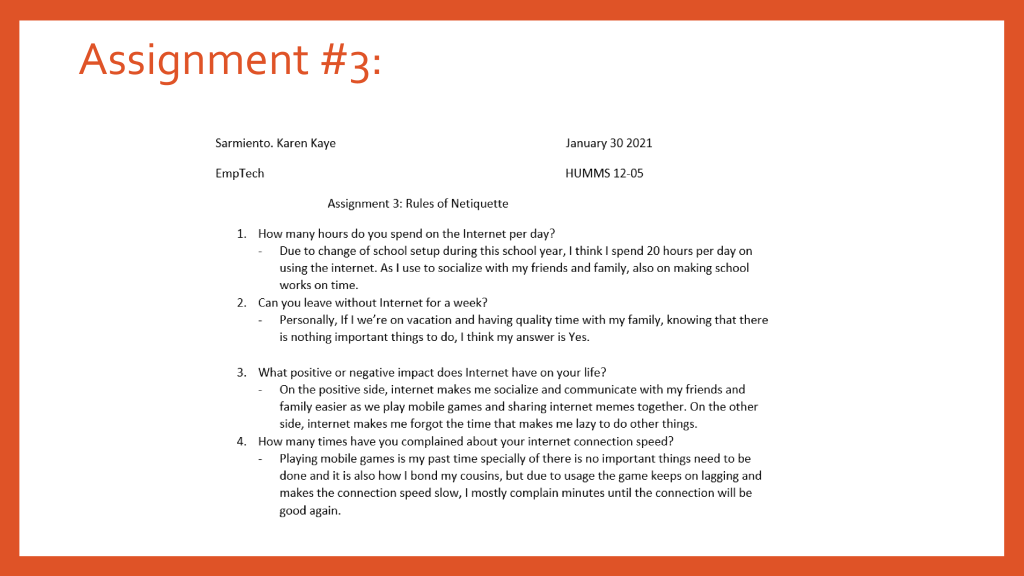
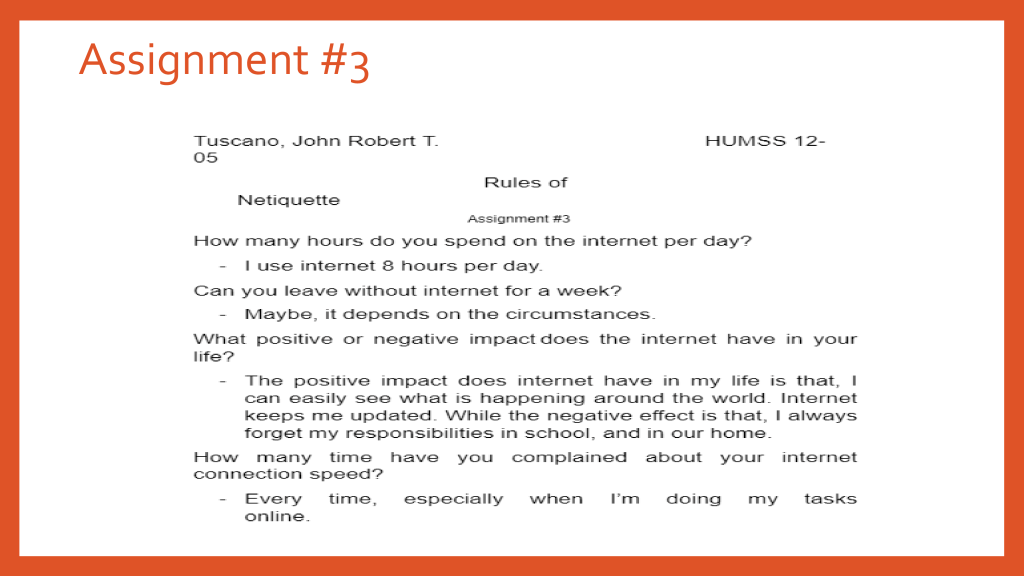
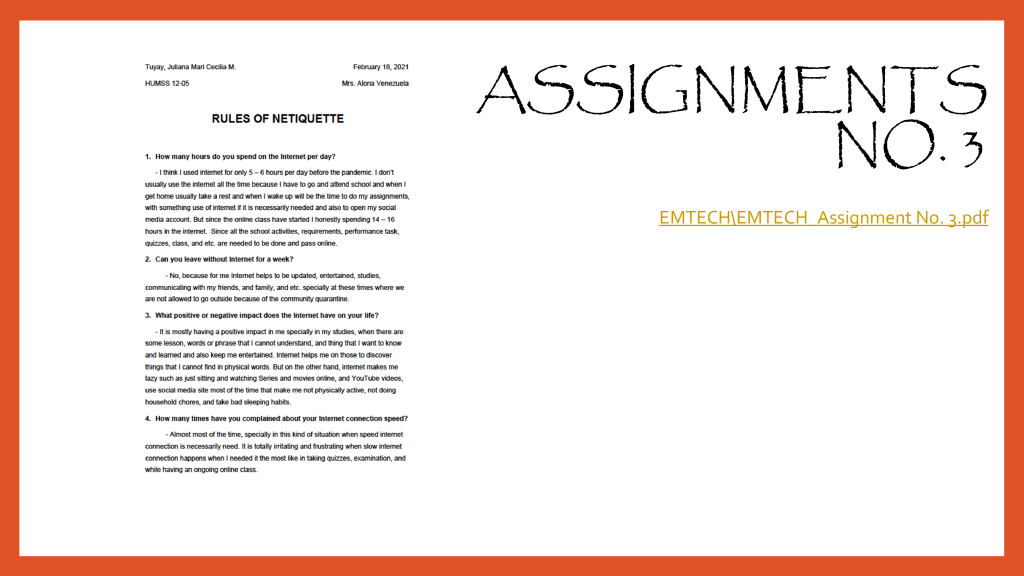
ASSIGNMENT 3: Rules of Netiquette
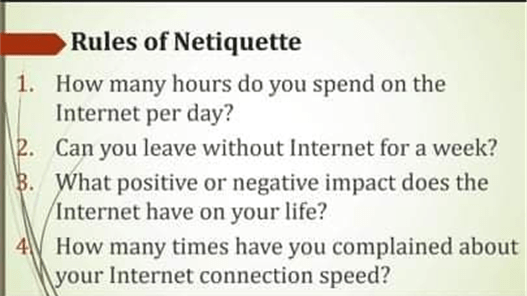
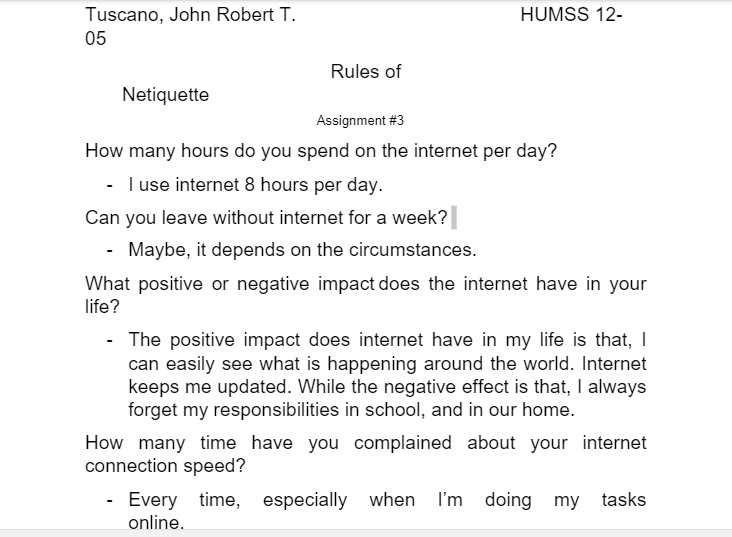
How many hours do you spend on the Internet per day?
• I spend 10 hours a day because we have online class. it’s really difficult for me because we need to attend online class.
Can you leave without Internet for a week?
• Yes, I’d love to. Because when the time where internet is still not being invented or created life was so simple and full of joy. Almost everyone were healthy because they are far from the reach of people’s judgements or negative thoughts and opinions. They sleep on the right time and eat on the right time. Everyone were doing things manually and little harder than what we have now but that makes everyone together and build good relationship to each other.
What positive or negative impact does Internet have on your life?
• The positive effect of gadgets in education, the internet is a great source of research.
• The negative effect of gadgets in education, as much as it is easy to research it is also easy to cheat especially in online classes.
How many times have you complained about your Internet connection speed?
• I complained almost of the time, it affects me with my learning. Most students including me use the internet to go to our online classes. Here we do our tests, activities, and we discuss. With bad internet connection we can’t properly learn.
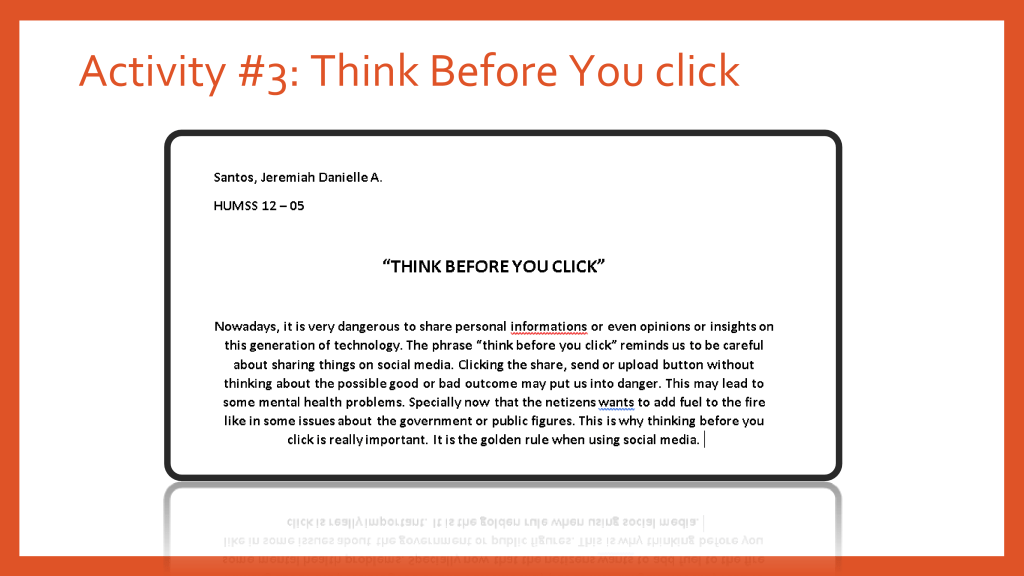
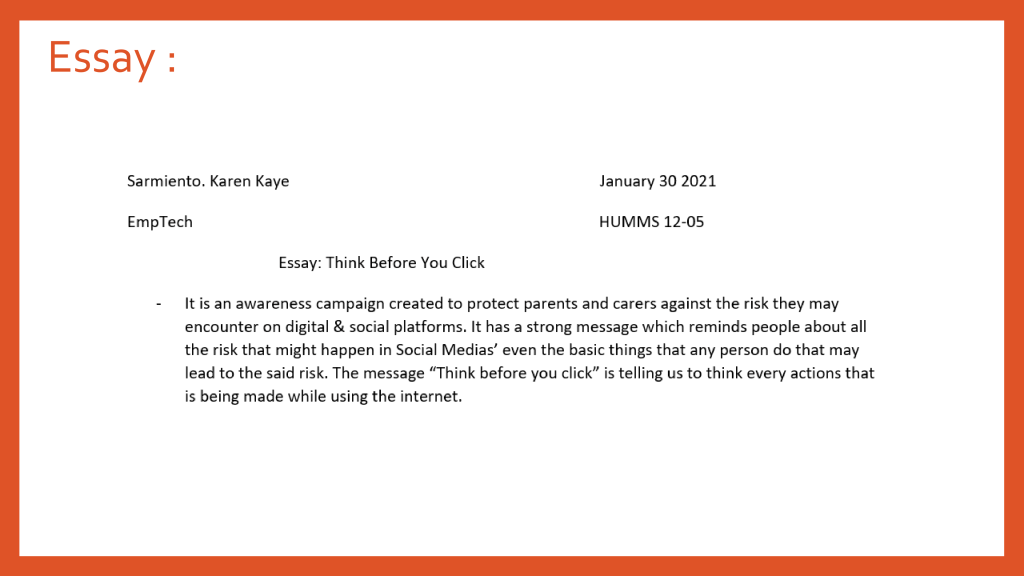
ASSIGNMENT 4: Think Before You Click
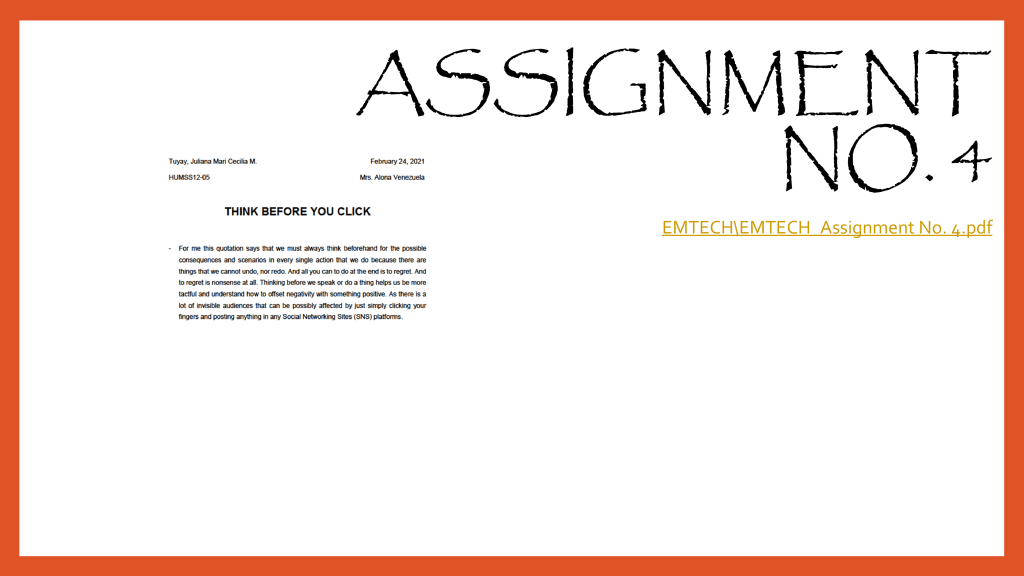
For me, social media plays a major role in our society nowadays. Almost everyone has access and social media accounts. One image can spread faster than you can imagine and it can influence someone’s life enormously. Before you hit the like button and share something, ensure that you wouldn’t hurt somebody’s feeling. Be sensitive enough to the theme and idea of the image. For example, you see a picture of a woman wearing a short-revealing dress. The photo was taken when the woman is unaware of the situation. You as a responsible social media user, will never support this idea and you wouldn’t share this for others to see.
Work Computers are used in different jobs like call centers, and different engineers they used it to make their work more easy
•
• Business They are used in every aspect of a company’s operations, including product creation, marketing, accounting and administration. It is critical that business owners take the time to choose the right computers, software and peripherals for their organization.
Activity #2
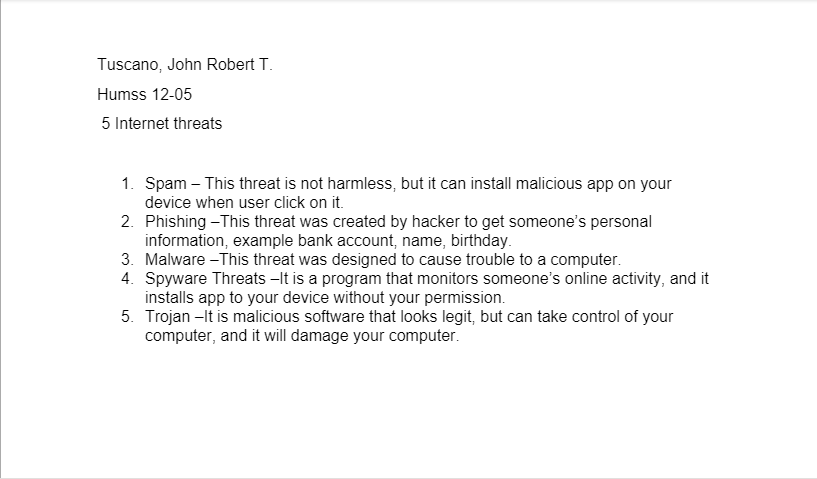
5 internet threats
1. Adware is a form of malware that shows unwanted advertisements while a user is browsing the internet. 2. Spam Is the ‘Junk’ folder implying that spam emails are a major problem, with more than half of all emails destined for these folders. Spam emails are not a direct threat, apart from being annoying. Many, however, can contain malware.
3. Malware Malware includes spyware, malware, and other malicious software.
4. Phishing is a form of fraud, It attacks deceive the recipient of a fake message, such as an email, into opening it and revealing confidential information.
5. Spyware are any programs that track your online activities or install programs on your computer without your permission for the purpose of profit or data collection.
Activity #3
Assignment #1 What is computer? Computer is an electronic device it has the ability to follow programs to help computers to perform an extremely wide range of tasks. It is used for storing and processing data, typically in binary form, according to instructions given to it in a variable program
Assignment #2 What is the connection of internet and world Wide Web ? In simple terms, the World Wide Web is just one common area for information exchange, facilitated by global computer networks — or the Internet. You connect to this Internet to access the Web, but the Internet is just the connection between countless, separate servers, computers, and devices.
Assignment #3 Rules of netiquette
I think the time I spend in internet per day is 20 hours
If we are on vacation and theres nothing important that will use internet I think yes
The positive impact of internet to me is that I can communicate to my family and friends even if they’re far away and the games and memes that makes me happy. The negative impact of internet to me is sometimes I abused the time I spend playing games scrolling in facebook that will leads to laziness.
Sometimes when im playing online games and its lagging
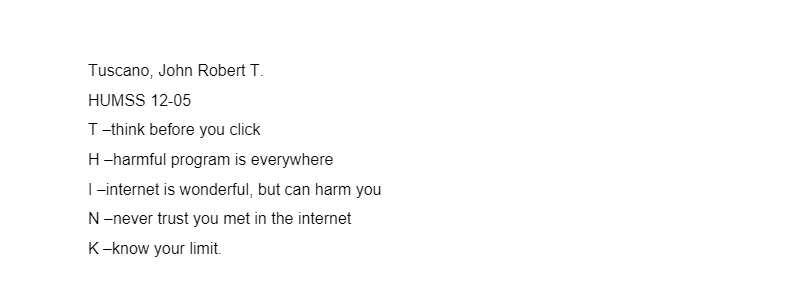
Assignment #4 Think acronym T – ouching or clicking anything you see in social media is not safe H ating must be stop it hurts other people more than you think I – nitiate the think before you click N – eed to be careful everytime K – know all the possible threats in social media and other media platforms
Activity 4.1
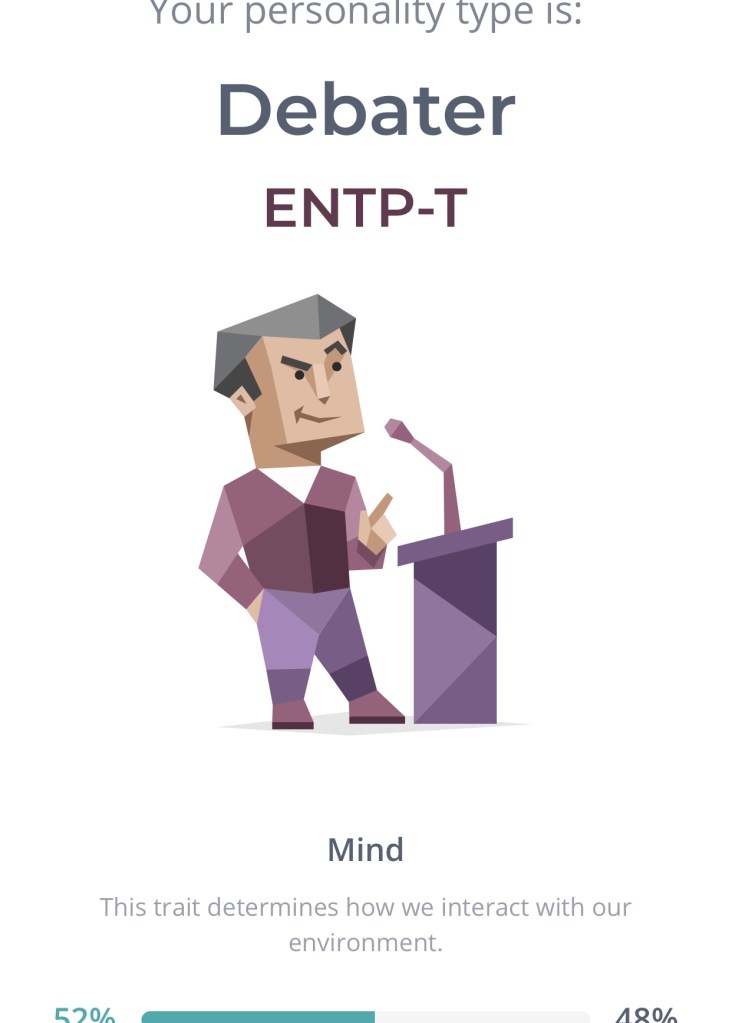
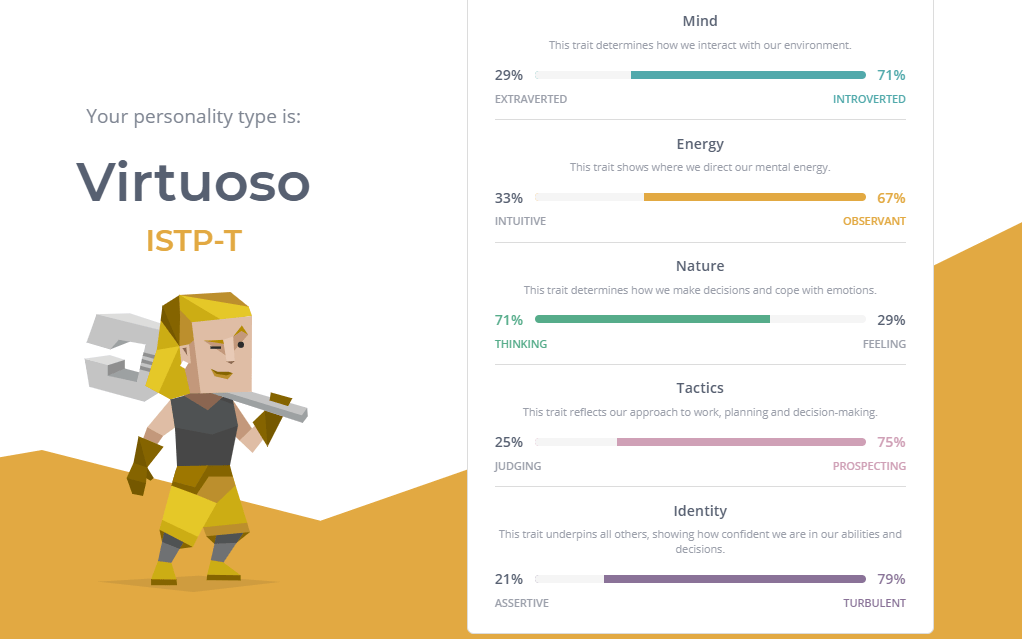
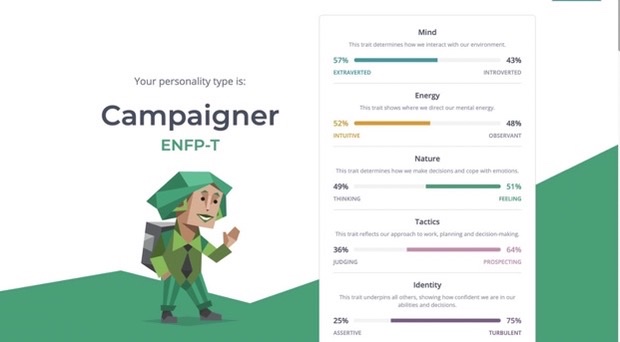
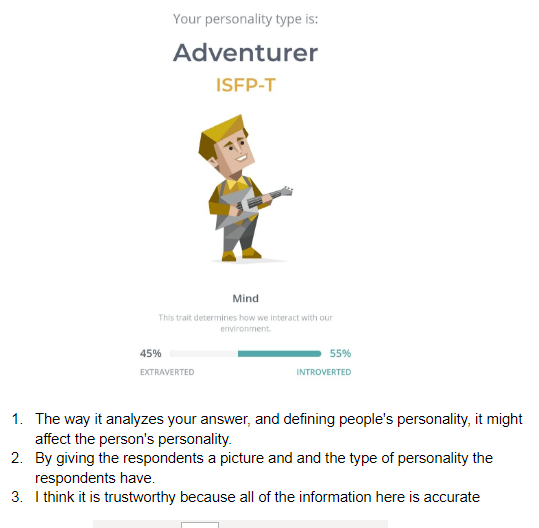
What makes the test interactive? For me maybe the thing that makes the interactive is because of the results of the test some personalities of the person answered it is there and somehow accurate
How does this website come up with the results? I think this website come up with the results according to the answers we chose every questions
Do you think the site is trustworthy? Do you think your result are believable? For me its trust worthy but I think some people wont believe it may because some results are not accurate at all and some of us have different ways to see their selves.
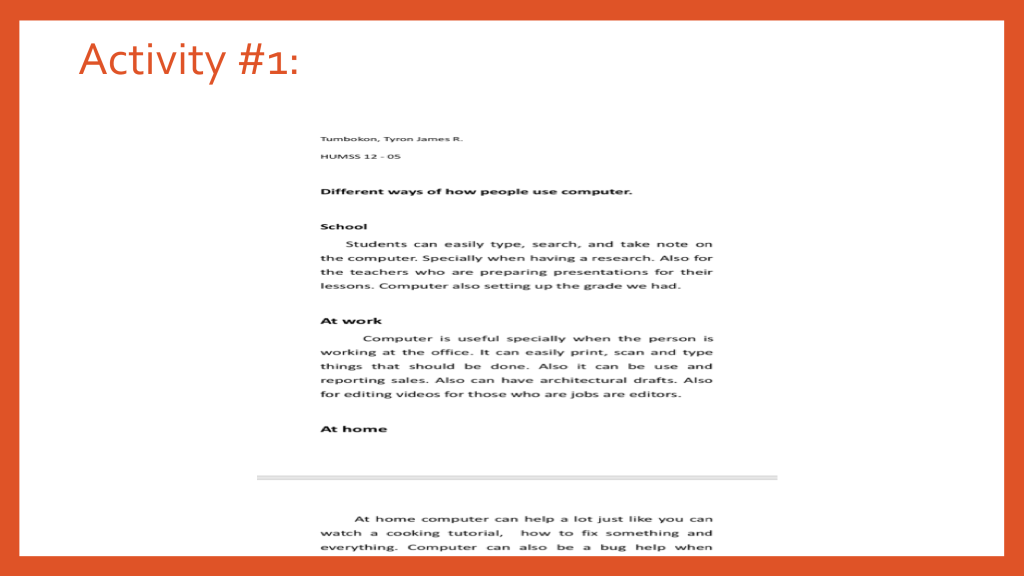
Students can easily type, search, and take note on the computer. Specially when having a research. Also for the teachers who are preparing presentations for their lessons. Computer also setting up the grade we had.
At work
Computer is useful specially when the person is working at the office. It can easily print, scan and type things that should be done. Also it can be use and reporting sales. Also can have architectural drafts. Also for editing videos for those who are jobs are editors.
At home
At home computer can help a lot just like you can watch a cooking tutorial, how to fix something and everything. Computer can also be a bug help when doing a self reasearc h about something
• Activity 2 •
5 internet threats
1.) Malware
is intrusive software that is designed to damage and destroy computers and computer systems.
2.) Computer worm
is a type of malware that spreads copies of itself from computer to computer.
3.) Spam
is digital junk mail. It is the unsolicited communications sent in bulk over the internet or through any electronic messaging system.
4.) Spyware
is unwanted software that infiltrates your computing device, stealing your internet usage data and sensitive information.
5.) phishing
is a type of social engineering attack often used to steal user data, including login credentials and credit card numbers.
• Activity 3 •
• Activity 4 •
THINK Acronym
T- there are a lot of threats
H- Hide your identity
I- Investigate whether the information is true
N- Never put your important informations
K- knowledege is the key to a safe internet journey.
• Activity 4.1 •
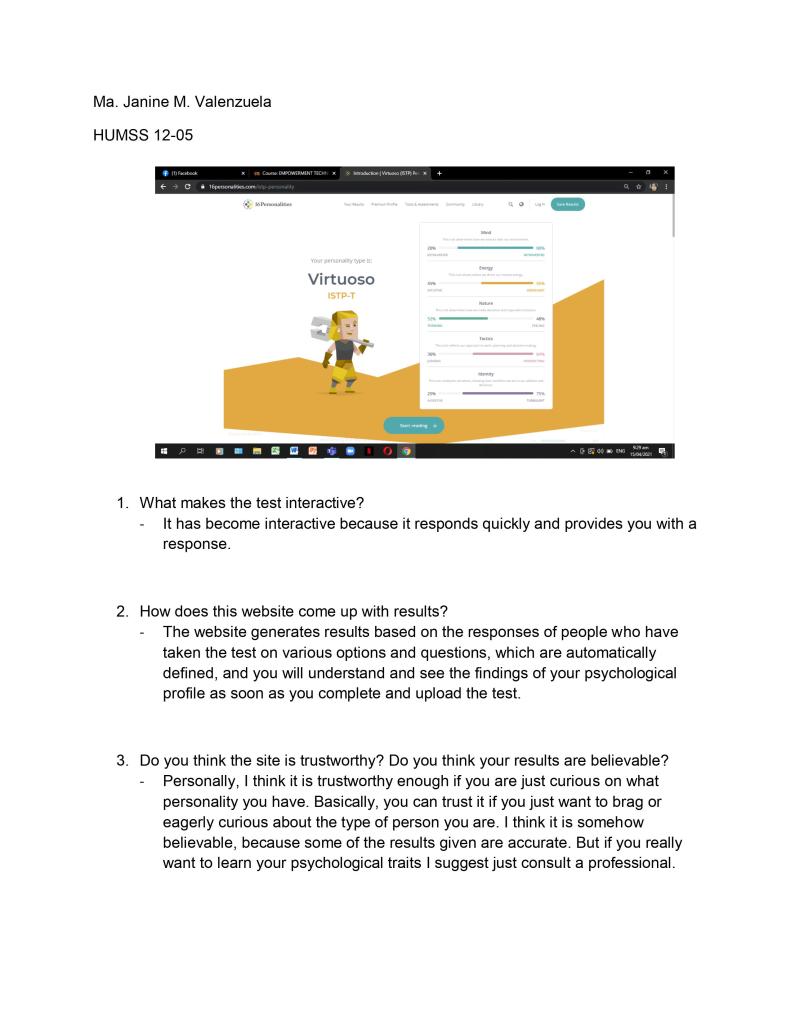
16 personalities
1.) what makes the test interactive?
Activity Personality test
The choices and the the situation of each questions makes the test interactive.
2.) How does this website come up with results?
You need to completely fill up all the questions thats contains different scenarios and situations and your answers will be the basis of the website to make the results.
3.) Do you think this website is trustworthy? Do you think your results are reliable?
For me yes. Because if you really answer the question honestly and completely the website will have an analysis about your results. After you see the results you can reflect and realize it that it’s really the result because you see it from yourself.
Assignments
• Assignment 1 •
Define computer
A computer is a machine that can be instructed to carry out sequences of arithmetic or logical operations automatically via computer programming. Modern computers have the ability to follow generalized sets of operations, called programs. These programs
enable computers to perform an extremely wide range of tasks.
• Assignment 2 •
Connection of internet and world wide web
The World Wide Web is just one common area for information exchange, facilitated by global computer networks or the Internet. We can connect to
the Internet to access the Web, but the Internet is just the connection between countless, separate servers, computers, and devices. It means that you have to have a internet that has the servers and data to go directly in your the page you wish to go before proceeding into web pages or worldwide web.
• Assignment 3 •
Rules of netiquette
1.) How many gours do you spend on the internet per day?
I spend almost 15 hours in internet per day.
2.) Can you live without internet for a week?
For me yes. If I’m in a vacation and internet I’ll just have to meditate and take time for myself.
3.) What negative or positive impact does the internet have on your life?
Honestly internet make life easier for me. I can socialize and o things easily. But the negative impact of it to me is that sometimes I overused it and forgetting my main priorities.
4.) How many time you have complain about your internet speed?
I always complaining specially when I have classes, playing games and doing some research.
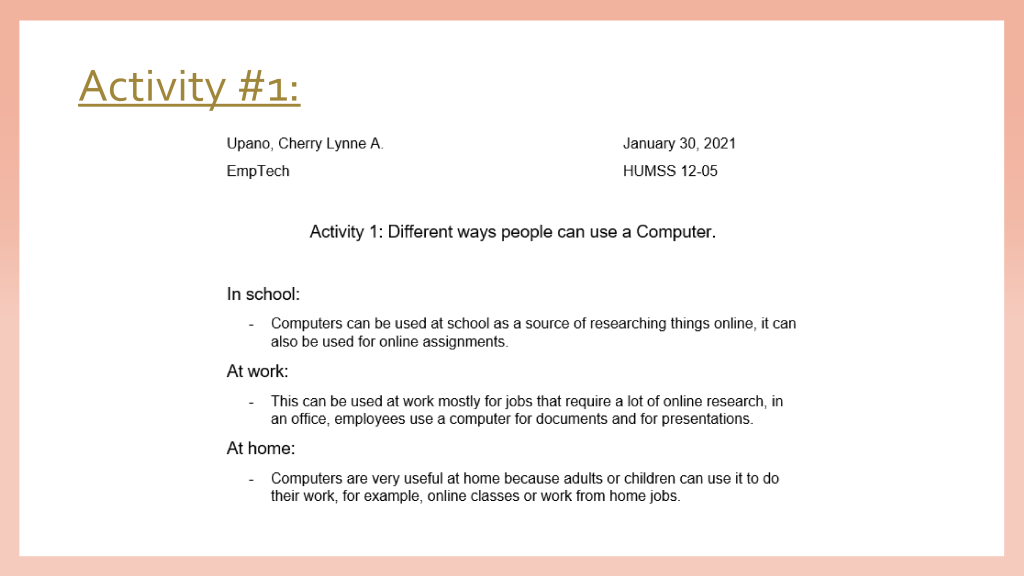
ACTIVITY 1: Different ways people can use a Computer.
In school:
Computers can be used at school as a source of researching things online, it can also be used for online assignments.
At work:
This can be used at work mostly for jobs that require a lot of online research, in an office, employees use a computer for documents and for presentations.
At home:
Computers are very useful at home because adults or children can use it to do their work, for example, online classes or work from home jobs.
ACTIVITY 2: 5 Internet Threats
Malware
This is noxious programming like spyware, ransom ware, infections and worms. It is initiated when a client taps on a noxious connection or connection, which prompts introducing hazardous programming.
Phishing
Phishing attacks utilize counterfeit correspondence, like an email, to fool a person into opening it and answering the guidelines inside, for example, giving a charge card number.
Spam
Spam alludes to spontaneous messages in your email inbox. From the sender’s viewpoint, spam is an incredible method to make themselves clear in a proficient and savvy way.
Botnet
A botnet is like malware. Nonetheless, it includes an organization of PCs that programmers traded off. Also, it is said that out of all the internet threads, this is the most dangerous one.
Trojan Horse
A Trojan horse is a program that looks real and innocuous. In any case, actually, it is a vector that conveys numerous unsafe infections. When it acquires network access, it can take touchy organization information.
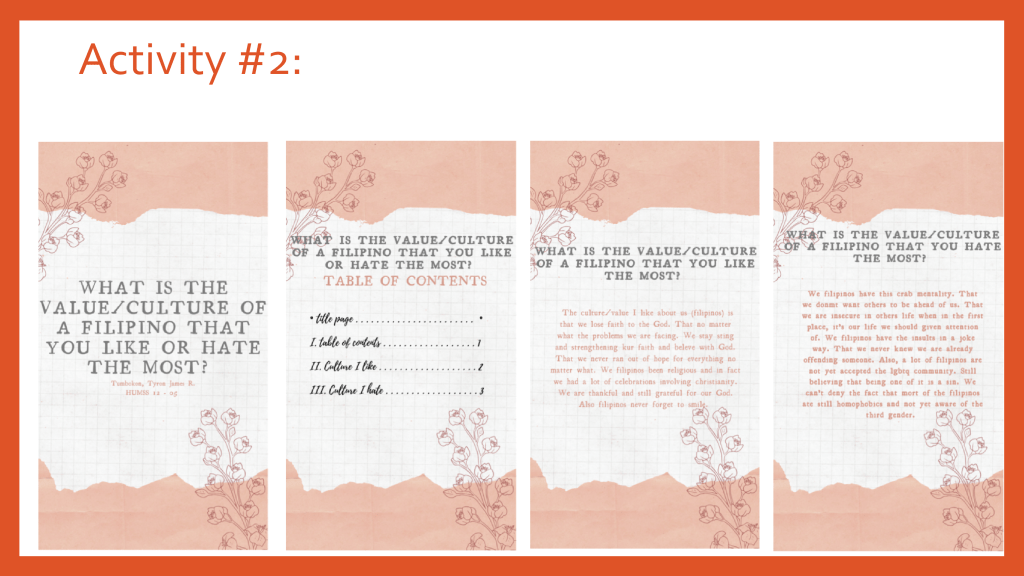
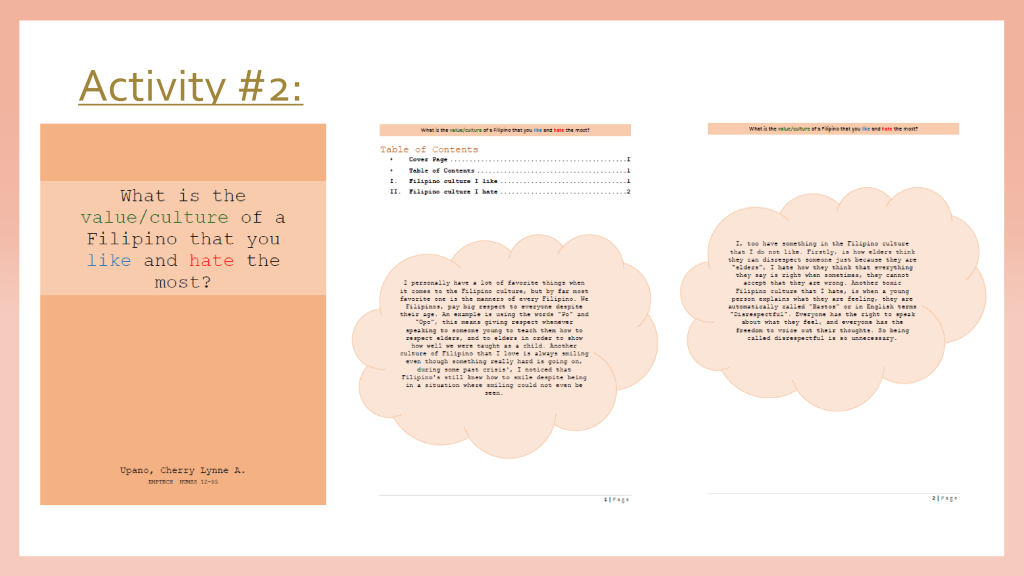
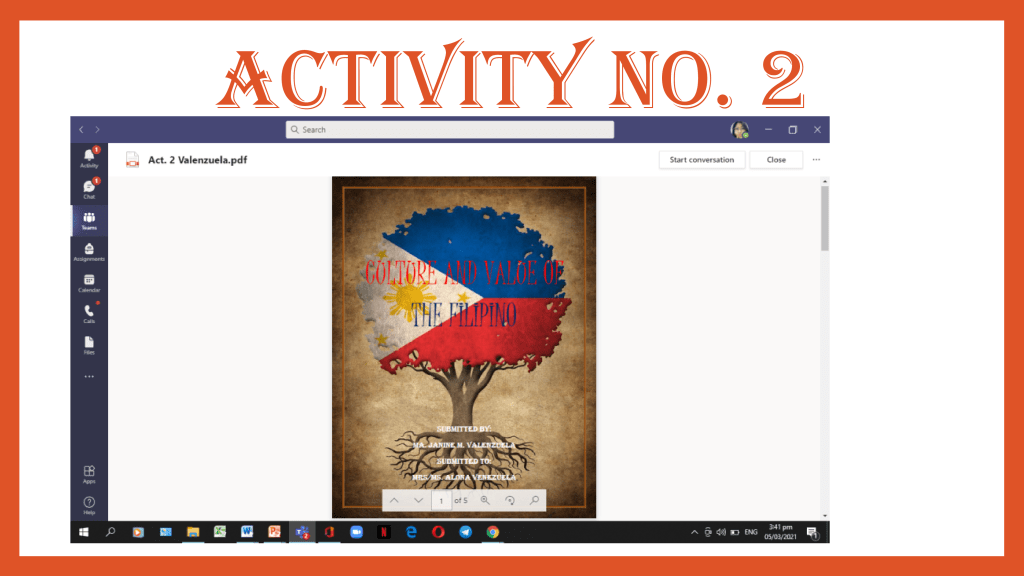
ACTIVITY 3: What is the value/culture of a Filipino that you like and hate the most?
ASSIGNMENTS
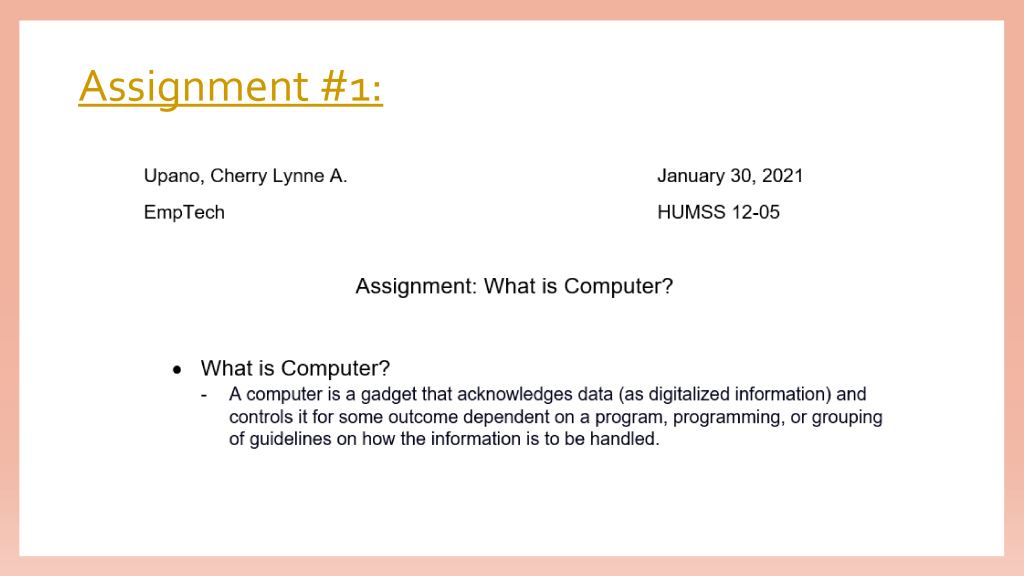
ASSIGNMENT 1: What is Computer
What is Computer?
A computer is a gadget that acknowledges data (as digitalized information) and controls it for some outcome dependent on a program, programming, or grouping of guidelines on how the information is to be handled.
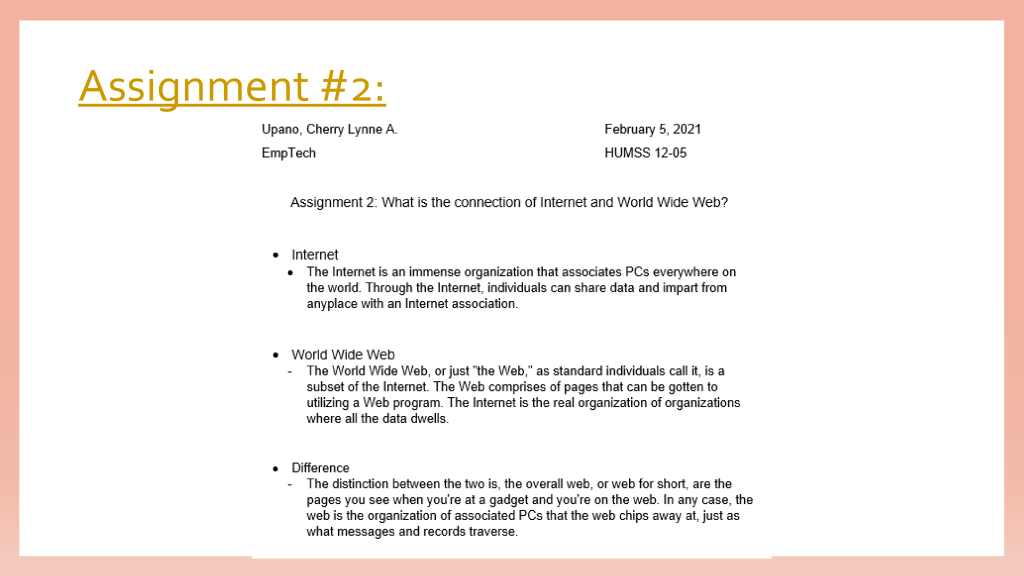
ASSIGNMENT 2: What is the connection of Internet and World Wide Web?
Internet
The Internet is an immense organization that associates PCs everywhere on the world. Through the Internet, individuals can share data and impart from anyplace with an Internet association.
World Wide Web
The World Wide Web, or just “the Web,” as standard individuals call it, is a subset of the Internet. The Web comprises of pages that can be gotten to utilizing a Web program. The Internet is the real organization of organizations where all the data dwells.
Difference
The distinction between the two is, the overall web, or web for short, are the pages you see when you’re at a gadget and you’re on the web. In any case, the web is the organization of associated PCs that the web chips away at, just as what messages and records traverse.
ASSIGNMENT 3: Rules of Netiquette
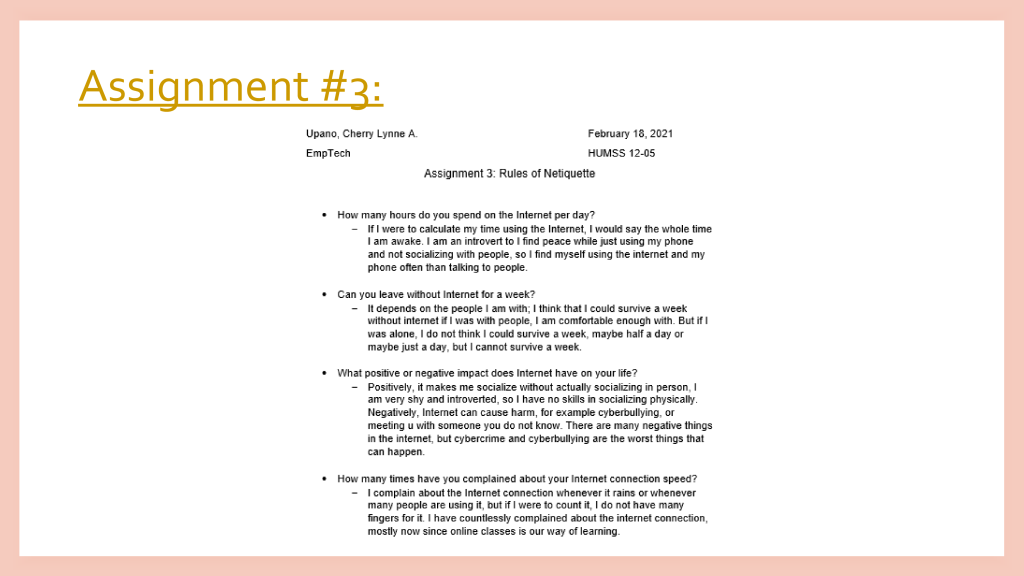
How many hours do you spend on the Internet per day?
If I were to calculate my time using the Internet, I would say the whole time I am awake. I am an introvert to I find peace while just using my phone and not socializing with people, so I find myself using the internet and my phone often than talking to people.
Can you leave without Internet for a week?
It depends on the people I am with; I think that I could survive a week without internet if I was with people, I am comfortable enough with. But if I was alone, I do not think I could survive a week, maybe half a day or maybe just a day, but I cannot survive a week.
What positive or negative impact does Internet have on your life?
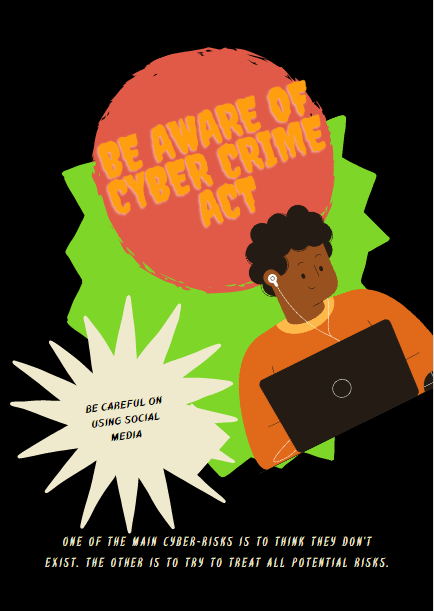
Positively, it makes me socialize without actually socializing in person, I am very shy and introverted, so I have no skills in socializing physically. Negatively, Internet can cause harm, for example cyberbullying, or meeting u with someone you do not know. There are many negative things in the internet, but cybercrime and cyberbullying are the worst things that can happen.
How many times have you complained about your Internet connection speed?
I complain about the Internet connection whenever it rains or whenever many people are using it, but if I were to count it, I do not have many fingers for it. I have countlessly complained about the internet connection, mostly now since online classes is our way of learning.
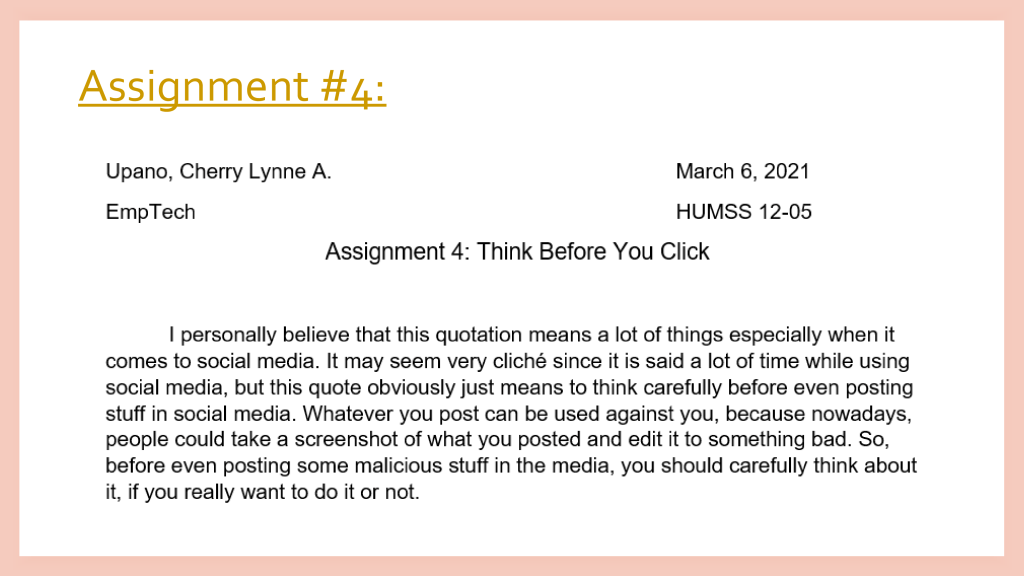
ASSIGNMENT 4: Think Before You Click
I personally believe that this quotation means a lot of things especially when it comes to social media. It may seem very cliché since it is said a lot of time while using social media, but this quote obviously just means to think carefully before even posting stuff in social media. Whatever you post can be used against you, because nowadays, people could take a screenshot of what you posted and edit it to something bad. So, before even posting some malicious stuff in the media, you should carefully think about it, if you really want to do it or not.
Acronym of THINK
T – The internet might be very dangerous,
H – Hence, people might get harmed when using it.
I – In the internet, everyone should be alert of what to click.
N – Never click a button without looking for sources that are real, do not be scammed.
K – Karma will be given to those to still continue to scam via the internet.
PERFORMANCE TASKS
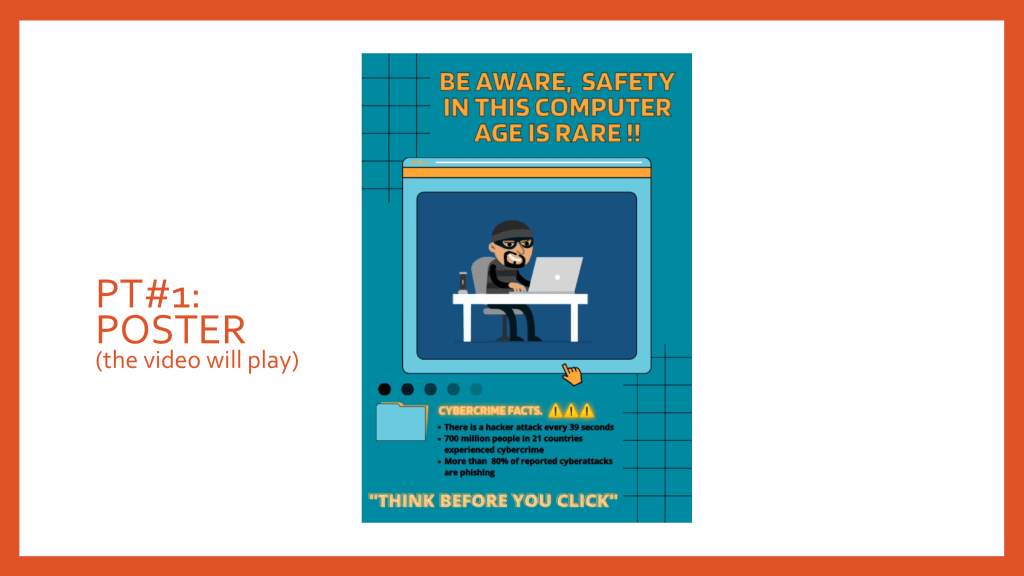
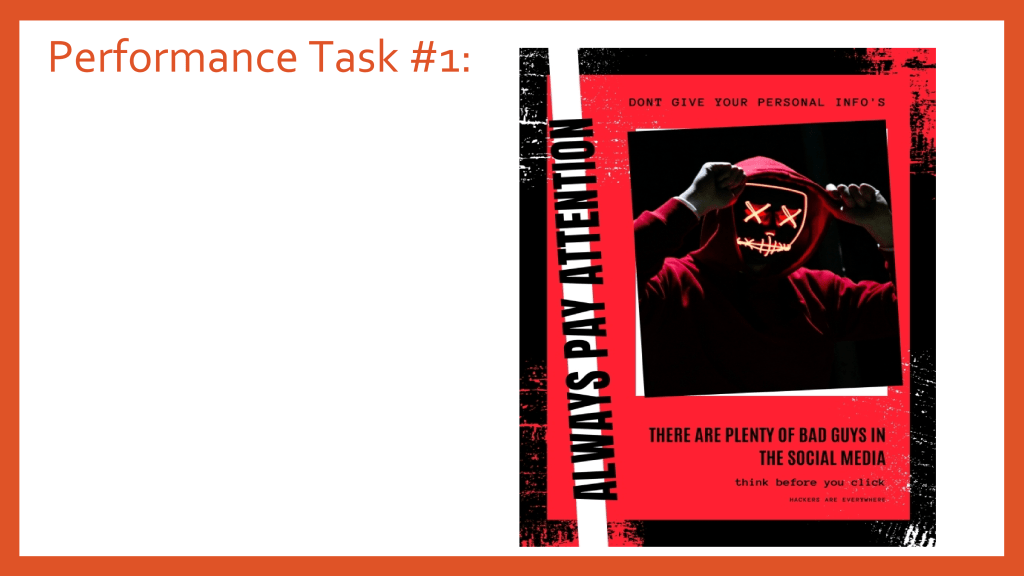
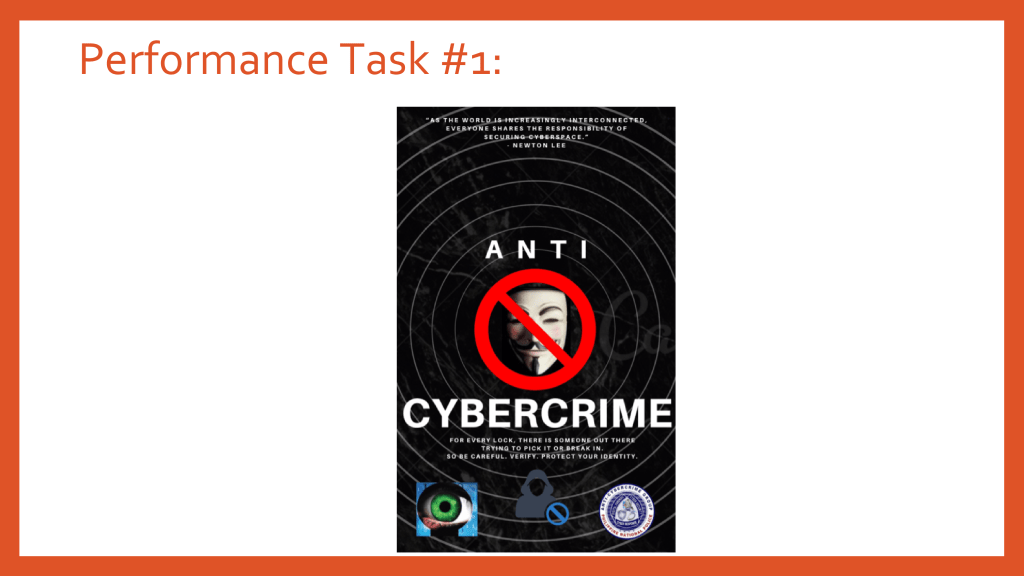
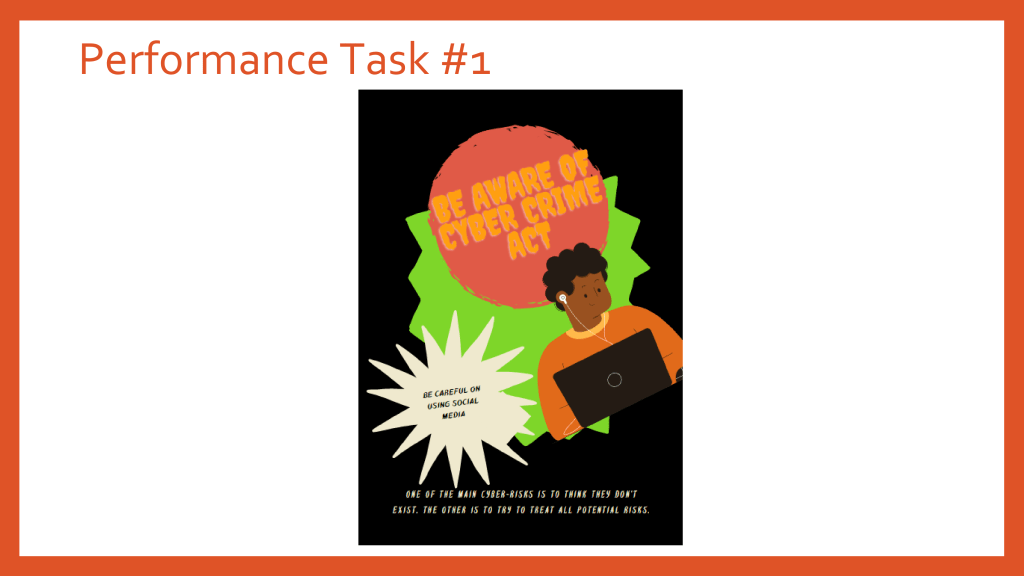
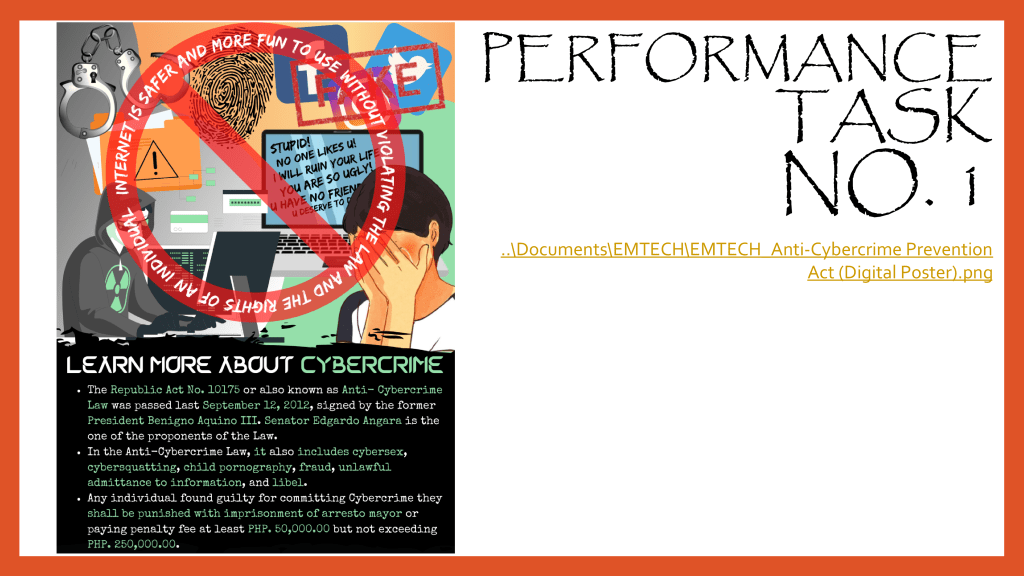
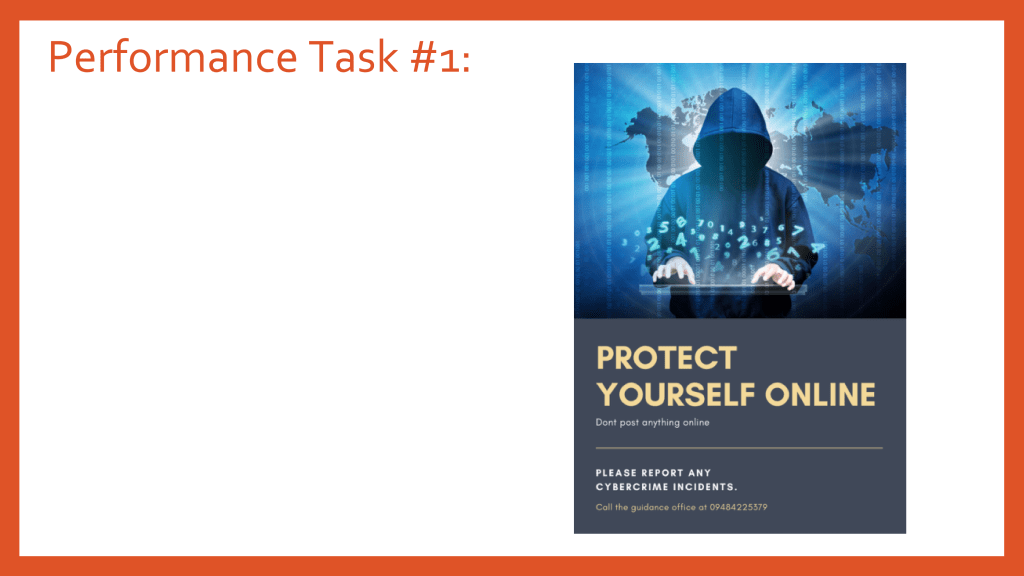
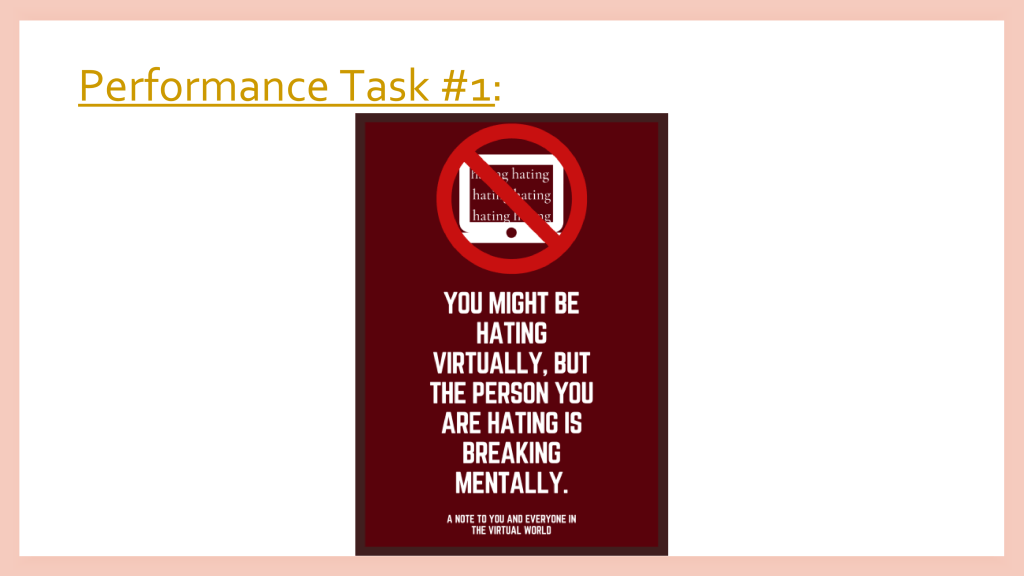
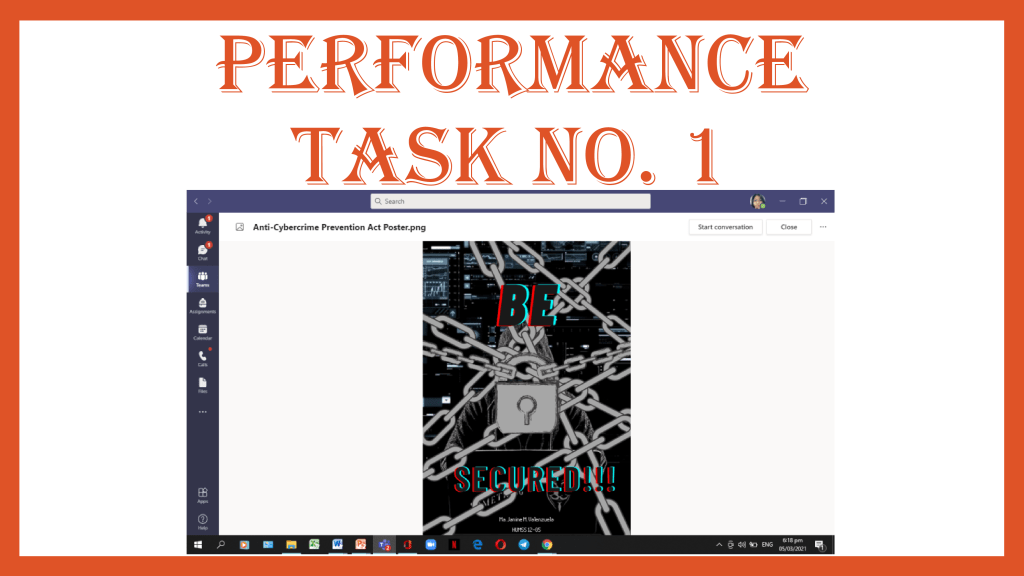
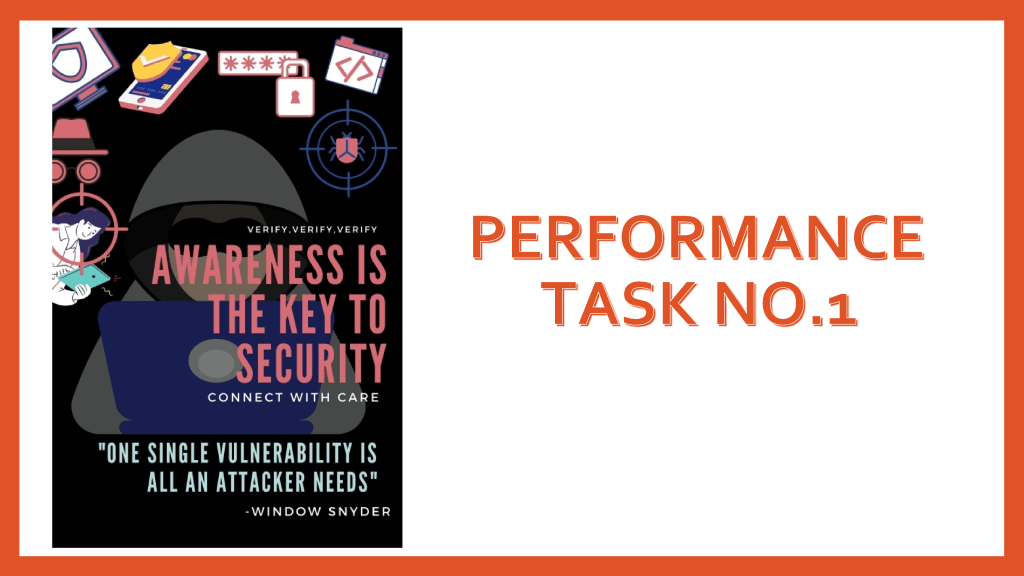
PERFORMANCE TASK 1: Digital Poster
FOURTH QUARTER ACTIVITIES
ACTIVITY 4.1: 16 Personality Test
What makes the test interactive?
The site was interactive because after the respondents answered the survey, results were given as soon as it was done.
How does this website come up with results?
This site has a technology command built in it that whenever respondents have answered the survey, results will already by the time it is done, without any wait.
Do you think this site is trustworthy? Do you think your results are believable?
I personally think that this site is trustworthy, this site has been used by a lot of people and no one has ever said that it was fake. Also, there are credible sources and relevant links that are attached to it that can prove its accuracy.
Here are my activities and performance task that I accomplished in 3rd quarter :))
Activity #1
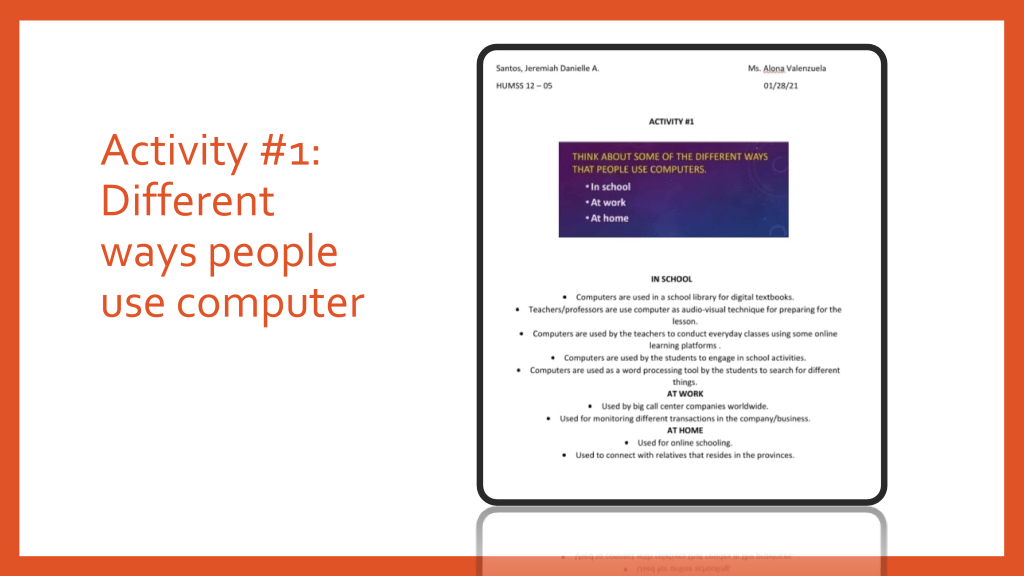
IN SCHOOL • Computers are used in a school library for digital textbooks. • Teachers/professors are use computer as audio-visual technique for preparing for the lesson. • Computers are used by the teachers to conduct everyday classes using some online learning platforms . • Computers are used by the students to engage in school activities. • Computers are used as a word processing tool by the students to search for different things. AT WORK • Used by big call center companies worldwide. • Used for monitoring different transactions in the company/business. AT HOME • Used for online schooling. • Used to connect with relatives that resides in the provinces
Activity #2
5 Internet Threats
Malware – when a user clicked on an unsafe link, then it is possible that they might install a dangerous software in their gadgets.
Phishing – hackers steal sensitive information from the users.
Spam – unsolicited messages in your email. It is harmless though the sender might put malicious links in it.
Scamming – deceptive scheme used to cheat someone out of something.
Trojan – brings malicious programs to user’s computer.
Activity #3
Assignment #1
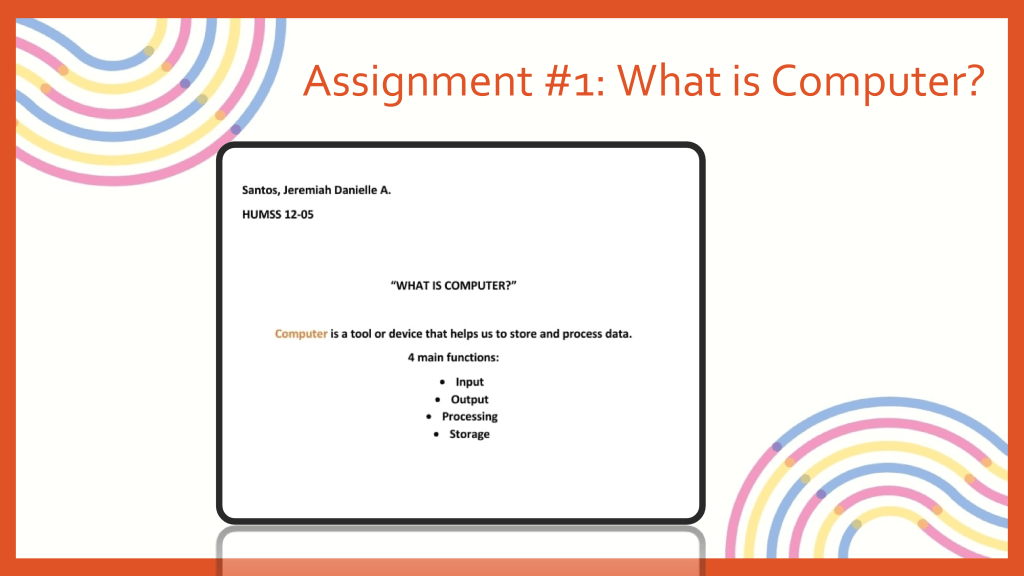
“WHAT IS COMPUTER?” Computer is a tool or device that helps us to store and process data. 4 main functions: • Input • Output • Processing • Storage
Assignment #2
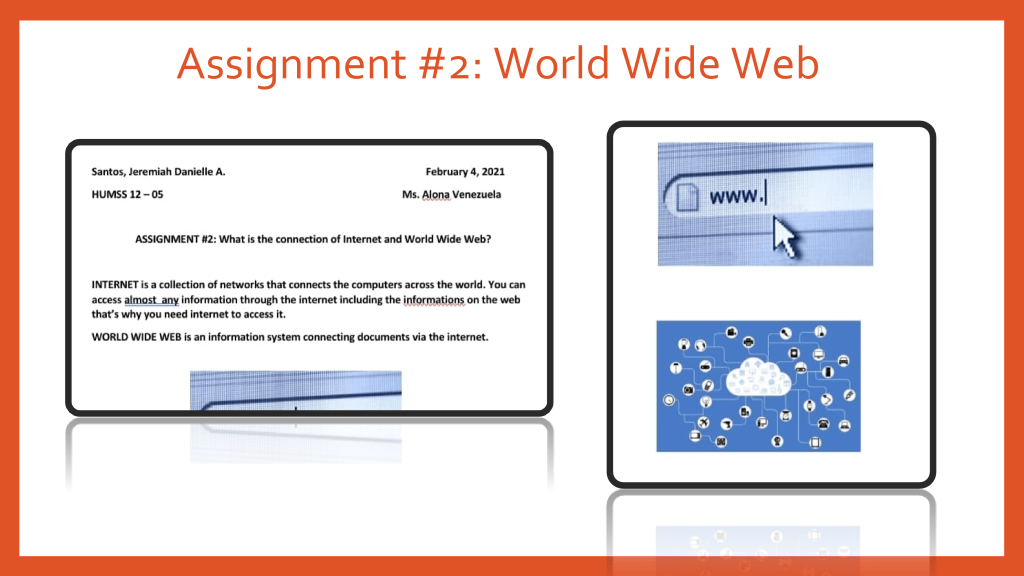
What is the connection of Internet and World Wide Web? INTERNET is a collection of networks that connects the computers across the world. You can access almost any information through the internet including the information on the web that’s why you need internet to access it. WORLD WIDE WEB is an information system connecting documents via the internet.
Assignmet #3
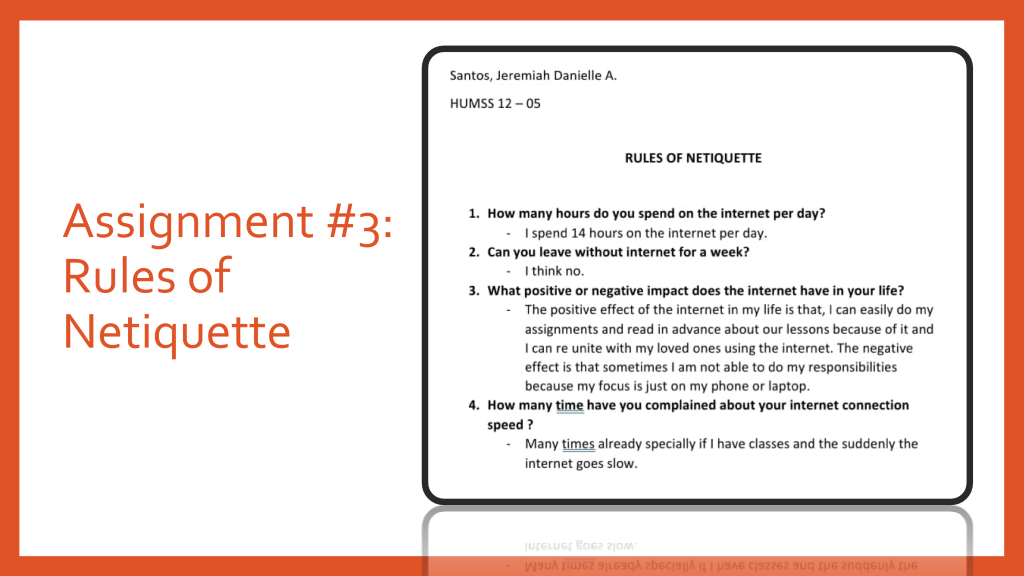
RULES OF NETIQUETTE
How many hours do you spend on the internet per day?
-I spend 14 hours on the internet per day.
Can you leave without internet for a week?
-I think no.
What positive or negative impact does the internet have in your life?
-The positive effect of the internet in my life is that, I can easily do my assignments and read in advance about our lessons because of it and I can re unite with my loved ones using the internet. The negative effect is that sometimes I am not able to do my responsibilities because my focus is just on my phone or laptop.
How many time have you complained about your internet connection speed ?
-Many times already specially if I have classes and the suddenly the internet goes slow.
Assignment #4
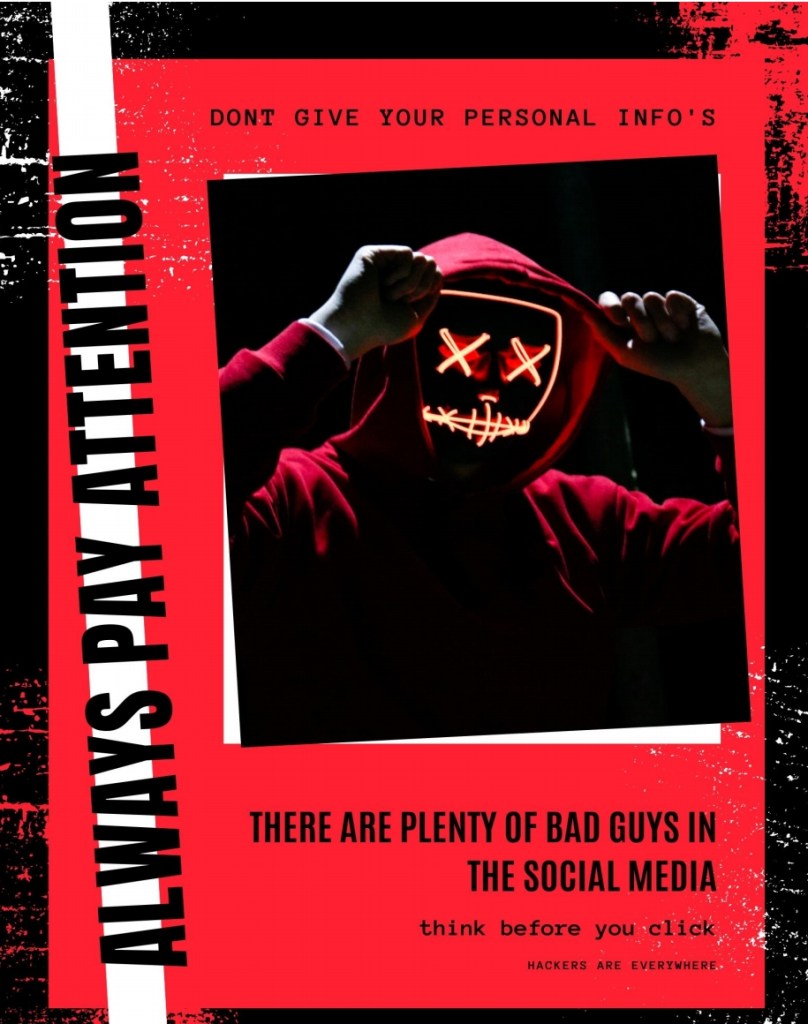
THINK ACRONYM T – Trust sites and pages that are reliable and are handled by Authorities. H – Helpful information should be spread out to people so that we can help them. I – Influence the netizens to use social media responsibly. N – Negative vibes should be avoided. K – Keep in mind that when you are going to post something, make sure you don’t step on other people and disrespect them.
Activity 4.1
What makes the test interactive?
-The test allows the users to answer questions that relates to their personalities and experiences in real life. The test questions also allows a person to assess his/herself so that he/she can answer the test.
How does this website come up with results?
-The website analyze the answers of the users and gives us the results of the personality test according to their research. It used NERIS type explorer that has excellent statistical analysis.
Do you think the site is trustworthy? Do you think your results are believable?
-Yes because it said in their website that they use research and surveys and I think that my results are believable.
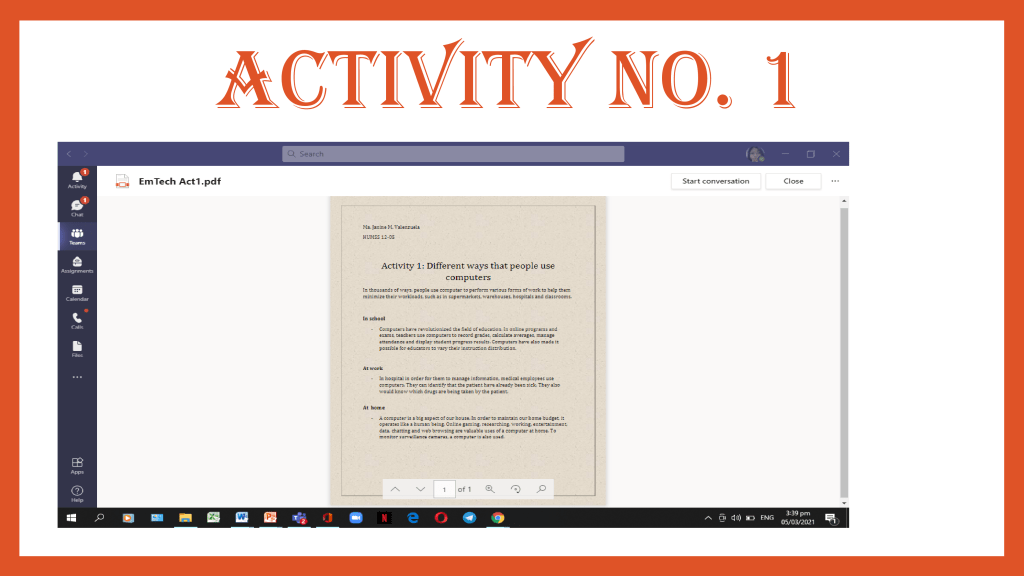
Activity 1: Different ways that people use computers
In thousands of ways, people use computer to perform various forms of work to help them minimize their workloads, such as in supermarkets, warehouses, hospitals and classrooms.
In school
Computers have revolutionized the field of education. In online programs and exams, teachers use computers to record grades, calculate averages, manage attendance and display student progress results. Computers have also made it possible for educators to vary their instruction distribution.
At work
In hospital in order for them to manage information, medical employees use computers. They can identify that the patient have already been sick. They also would know which drugs are being taken by the patient.
At home
A computer is a big aspect of our house. In order to maintain our home budget, it operates like a human being. Online gaming, researching, working, entertainment, data, chatting and web browsing are valuable uses of a computer at home. To monitor surveillance cameras, a computer is also used.
Activity 2
5 INTERNET THREATS
Worms
Worms typically enter a computer through some kind of malicious email attachment or USB stick. When a worm infects your phone, it would most certainly send itself to all of your email addresses. Your email will appear to the user to be harmless before theyopen it and become infected with the same worm.
Spyware
Spyware is a type of malicious software. Spyware is a form of internet nastiness that is often associated with pop-up advertising for downloaded content.
Trojan
Trojans make your computer completely unprotected, allowing hackers to steal any data on it. Trojans will masquerade as innocuous computer programs, enabling hackers to gain access to a device without being detected.
Virus
One of the most often mentioned internet threats were viruses. Viruses are often attached to files that are available for download, circulated via CDs, DVDs, and USB sticks, and loaded on computers by opening infected email attachments.
Spam
The fact that almost all email addresses have a ‘Spam’ or ‘Junk’ folder suggests that spam emails are a bigissue, with more than half of all emails ending up in these folders. Apart from being irritating, spam emails do not pose a strong threat.
Activity 3
Activity 4
Assignment 1
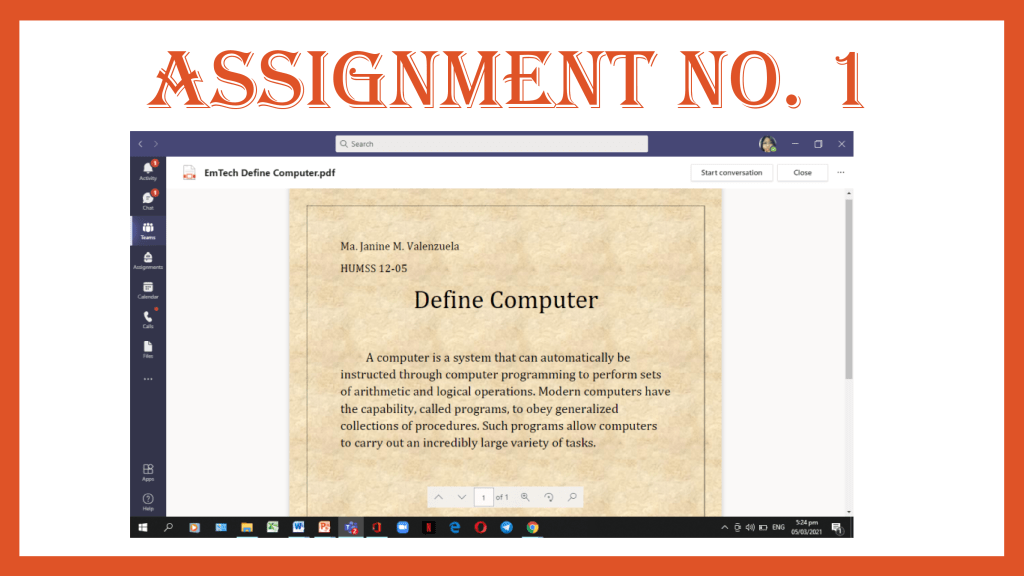
Define Computer
A computer is a system that can automatically be instructed through computer programming to perform sets of arithmetic and logical operations. Modern computers have the capability, called programs, to obey generalized collections of procedures. Such programs allow computers to carry out an incredibly large variety of tasks.
Assignment 2
What is the relation or connection of internet andworld wide web?
The World Wide Web is the application or compilation of multiple websites, and the internet encourages individuals to view applications and lets us communicate or share information with others as well. Basically, the Internet is a global network of networks, while the Web is a compilation of knowledge accessible through the Internet, often officially referred to as the World Wide Web (www).
Assignment 3
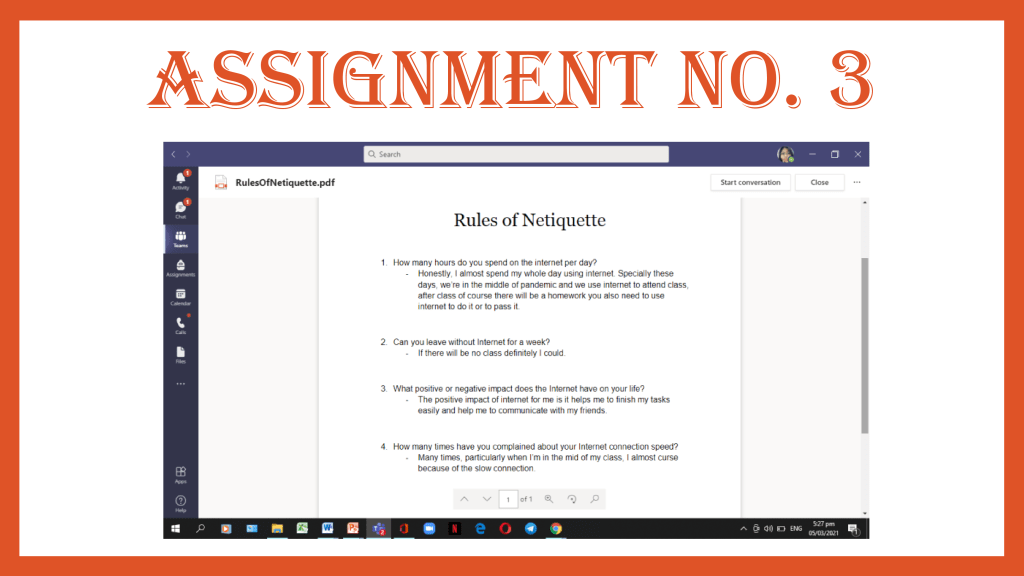
Rules of Netiquette
How many hours do you spend on the internet per day?
Honestly, I almost spend my whole day using internet. Specially these days, we’re in the middle of pandemic and we use internet to attend class, after class of course there will be a homework you also need to use internet to do it or to pass it.
2. Can you leave without Internet for a week?
If there will be no class definitelyI could.
3. What positive or negative impact does the Internet have on your life?
The positive impact of internet for me is it helps me to finish my tasks easily and help me to communicate with my friends.
4. How many times haveyou complained about your Internet connection speed?
Many times, particularlywhen I’m in the mid of my class, I almost curse because of the slow connection.
Assignment4
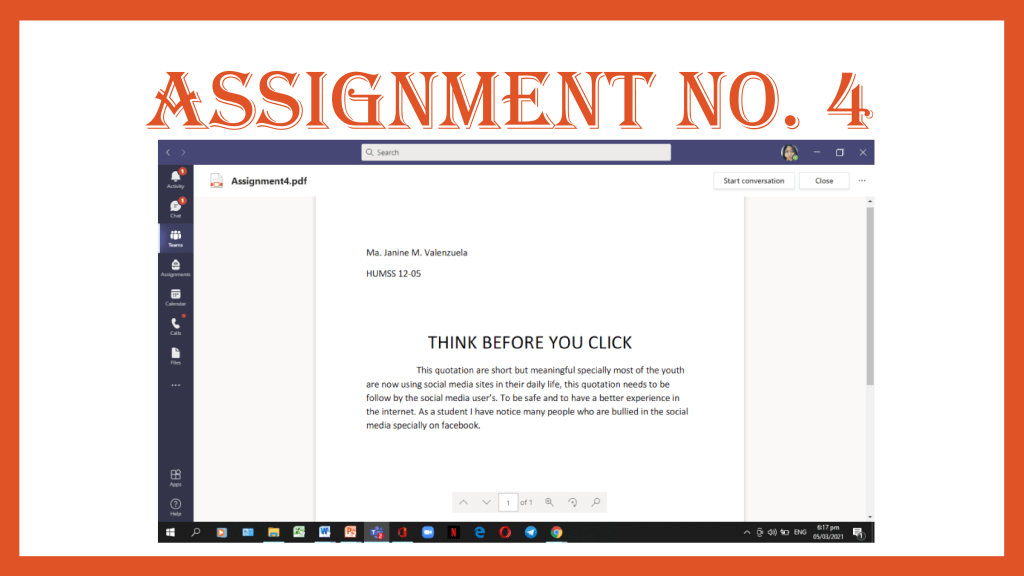
THINK BEFORE YOU CLICK “THINK” ACRONYM
T–Take your time to think
H–Have time to search for new knowledgeto be secure
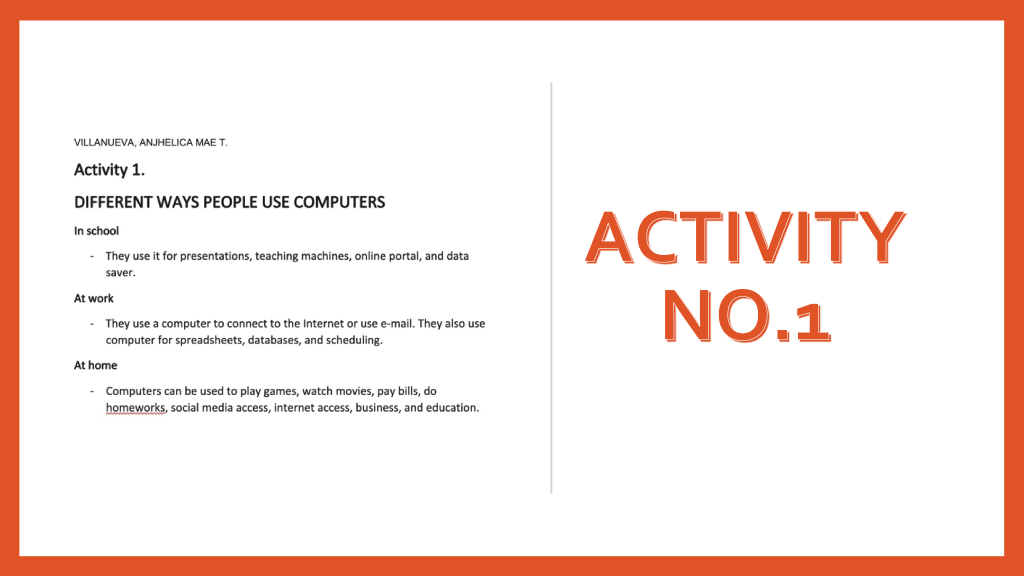
They use it for presentations, teaching machines, online portal, and data saver.
At work
They use a computer to connect to the Internet or use e-mail. They also use computer for spreadsheets, databases, and scheduling.
At home
Computers can be used to play games, watch movies, pay bills, do homeworks, social media access, internet access, business, and education.
Activity No.2
5 Internet Threats
Spam
is a term that is used to describe the fact that most email accounts have a ‘Spam’ or ‘Junk’ folder implies that spam emails are a major problem, with more than half of all emails destined for these folders. Spam emails are not a direct threat, apart from being annoying. Many, however, can contain malware.
Adware
Adware is a form of malware that shows unwanted advertisements while a user is browsing the internet. Advertisements often redirect your searches to advertisement websites and gather marketing-type data about you without your knowledge, which is considered malicious.
Trojan
Trojans leave your computer completely unprotected, allowing hackers to steal any information from it. Trojans sometimes disguise themselves as innocuous computer programs in order for hackers to gain access to your computer without being detected.
Phishing
Phishing is a form of fraud. In its most basic form, phishing is a type of deception. Official-looking emails impersonating a well-known provider, such as a bank, are often sent. These emails are being sent in order to obtain people’s passwords and credit card information.
Spyware
Spyware is another form of malware. Spyware is an all-encompassing internet nastiness that is often associated with downloadable file pop-ups. Spyware will record your keystrokes, read and remove your files, reformat your hard drive, and access your applications once it is installed on your device. Without your knowledge, whoever controls the spyware has access to your personal information.
Activity No.3
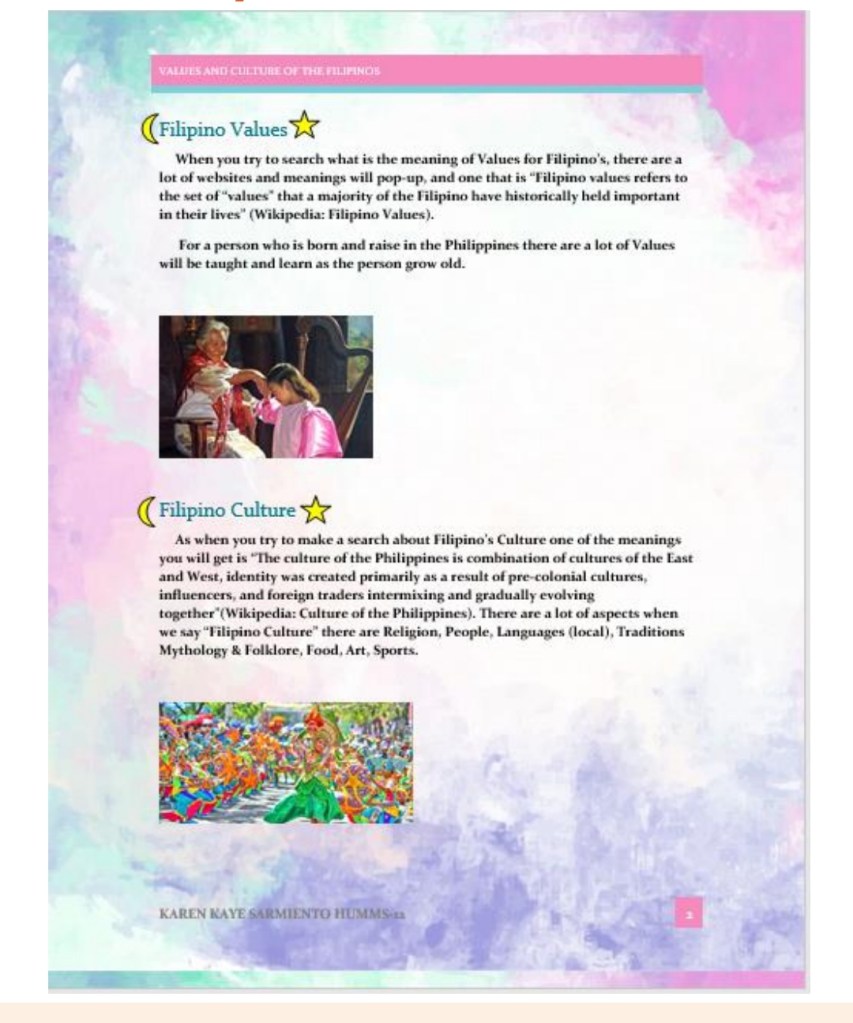
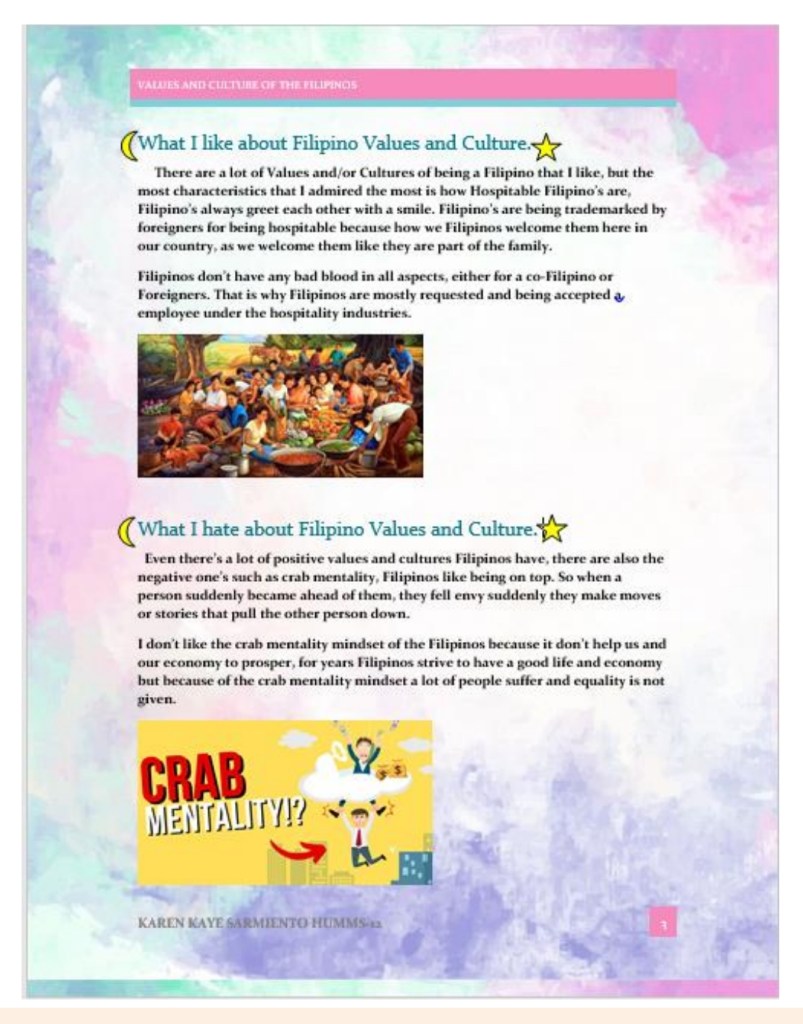
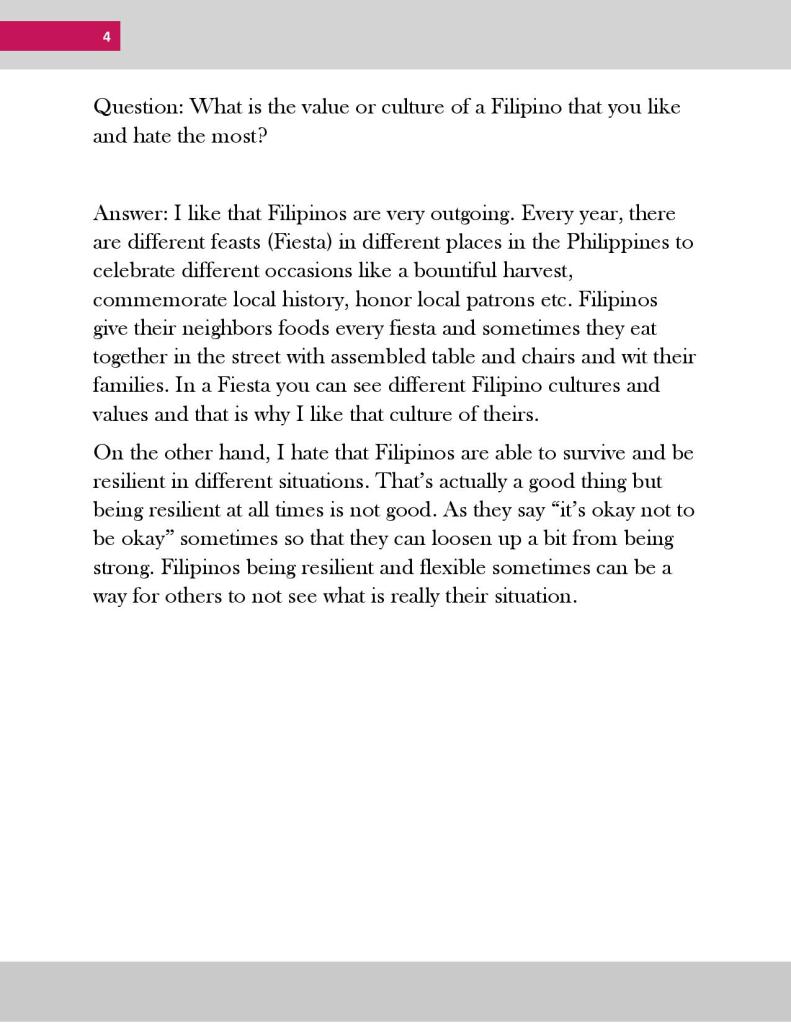
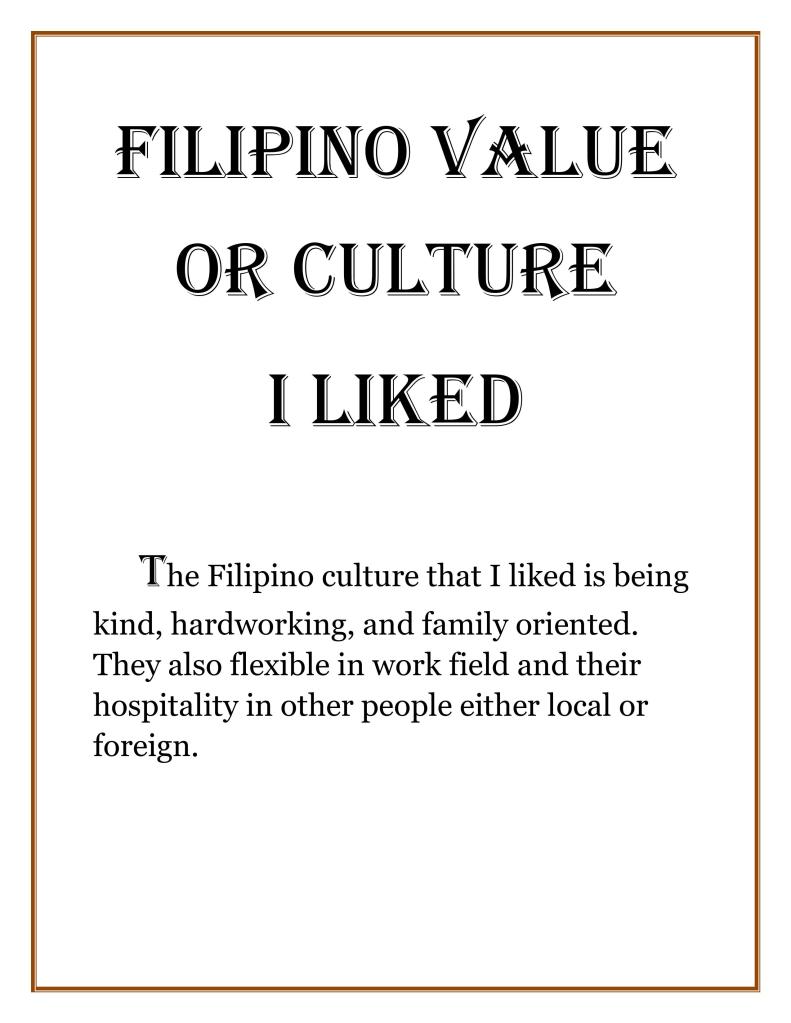
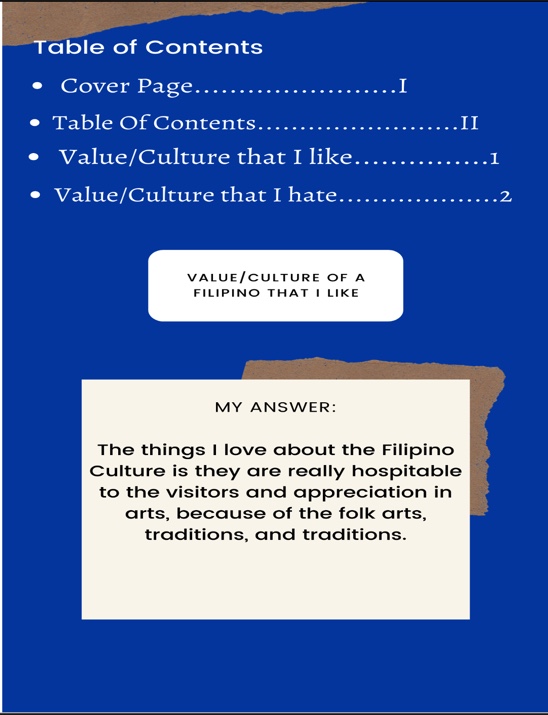
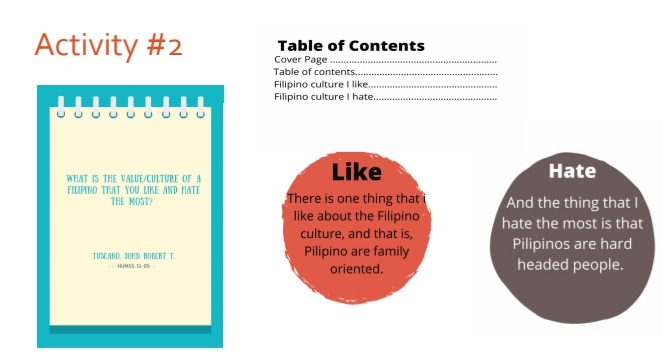
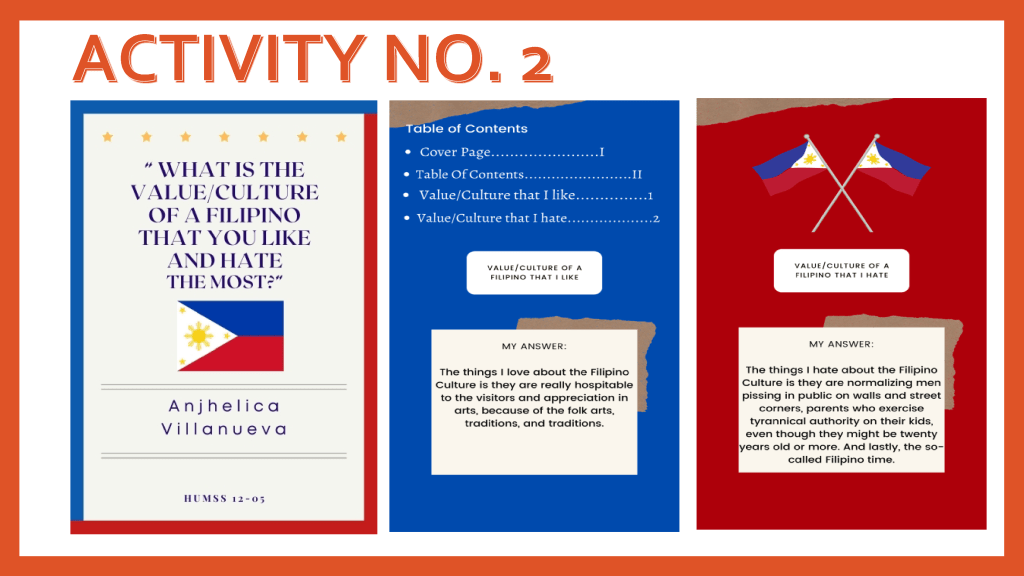
Filipino Culture that you hate & love
Activity No.4
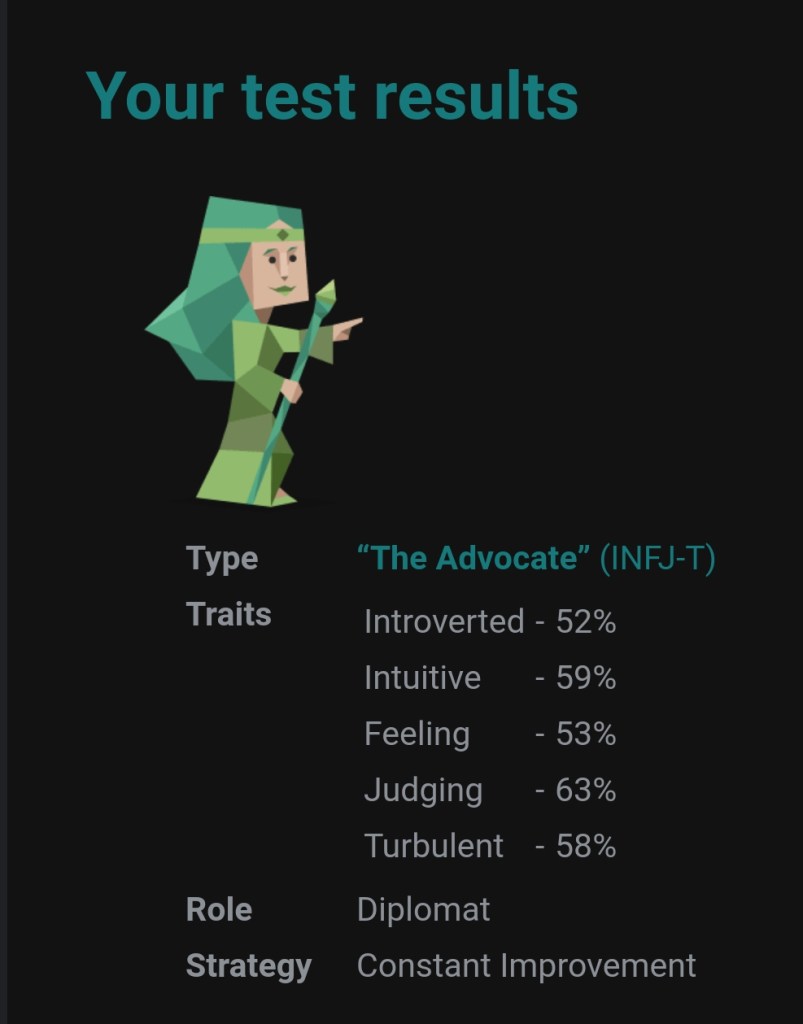
16 personalities
The test was interactive because the site responded to the user’s input which also influence the person’s perception in considering the result of their answers.
They reinforced complementary survey which after you answer it, they will analyze the results and publish it. They validate it by using advances of psychology to gather the accurate and fit variables and complexities of human personality.
I think the site is trustworthy because it is properly cited and link to sources that are credible and relevant. And for the results, It is believable because I, myself witnessed the accuracy of the test and based on the ratings below all of them said that the test are accurate for them too.
ASSIGNMENTS
Assignment No.1
Define Computer
Computer is an electronic device for storing and processing data, typically in binary form, according to instructions given to it in a variable program. What defines a computer’s ability to understand natural language is its ability to parse the natural language and also execute the task intended.
Assignment No. 2
Connection of Internet and World Wide Web
The link between the World Wide Web and the Internet is that the Internet is a series of linked computers in gateways through which information stored in databases and on servers is transmitted from one computer to another, and that the World Wide Web is the program used to retrieve users’ requested information. The internet is a network of computer systems, stored data, some static things, some interactive things that can be accessed by using the word WWW before the address you want to go to.
Assignment No.3
RULES OF NETIQUETTE
21 Hours per day
If there’s a pandemic then I can’t.
The provider positive effects are I don’t get bored, I can communicate with people, keeps me discover new things, Happy and enjoying, and gather some information. The negative effects are I don’t get enough sleep, I tend to see some bad things, learn bad things, and made me addicted.
These past few days, our Wi-Fi connection is acting up so I always get disconnected during online class. We already complained to our network service but they still haven’t fixed so we thought of changing our service.
Acitivity No. 4
THINK Acronym
T-Threats can be anywhere
H- Harmful outcomes will occur if you’re not cautious
I-Invasion of privacy can happen on the internet
N-Never share your information recklessly
K- Knowledge is your treasure, use it to protect yourself
What are the things that your group things could be better in your school or community? List down five things.
Choose one of the five things you have listed you think is the highest priority and demands immediate action of change.
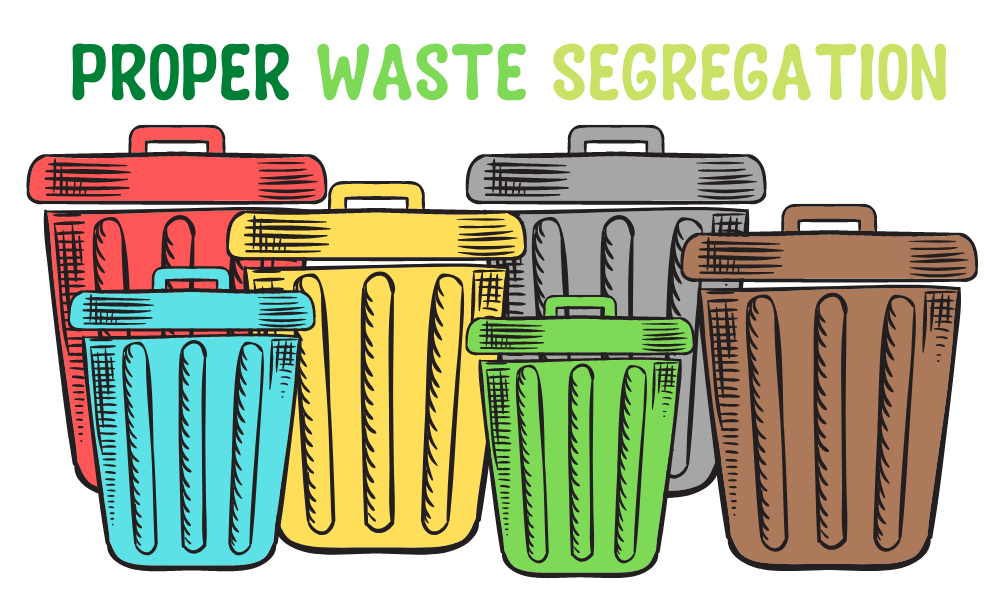
Proper Waste Management
Stray Animals such as Dogs and Cats
Shelter for Homeless
Traffic
Pedestrian lane and over past to avoid accident
PROPER WASTE MANAGEMENT
Waste generation is a serious problem throughout the world. Solid wastes are used materials that are thrown away indiscriminately everywhere. Until now, improper waste management has remained one of the major concerns not only in our country of the Philippines but all over the world. It causes water pollution, soil contamination, air pollution, and causes various respiratory diseases and other health problems, global warming, and a lot of other problems. It impacts not only humans, but also plants, wildlife, and marine life. All of us know that we should take action. The first step, I think, is to be able to know something. Consider a world where there is no way to dispose of waste. Any home will generate a significant amount of waste. Some people may try to reduce the effect of trash and waste on themselves, but this often leads to increased emissions and environmental impacts on a local level. Such piles of trash and infestations will have a huge visual effect and aura. Many people’s lives would be terrible, and their welfare would be unstable. The majority of people do not value the 3R’s (Reduce, Reuse, and Recycle) and do not observe proper waste disposal in their homes. To save environment we need to understand that the more waste we create daily, the more waste we must somehow get rid of.
By exercising proper waste management in our homes and that our use of plastics, Styrofoam, and rubbers, we will save the environment.
Recycling items that can also be found and reusing them, such as shampoo and junk food sachets into wallets, reusable bags, paper to paper crafts, and cans and bottles to flowerpots.
Separation of packaging, plastics, containers, biodegradable and non-biodegradable waste there are different colored baskets to segregate your wastes at home level.
Through implementing all of the solutions and prevention measures listed, we will provide a healthy and safe environment for all of us humans, animals, and marine life. A small action may have a significant impact on the world. Be the one who is committed to transforming the environment. Take good care of the environments and the life of all the living things, stop the global warming that causes climate change, have a beautiful environment that the next generation can nurture. The given methods reduce the consumption of natural resources and lowers the ultimate waste disposal needs.
Our campaign aims to enlighten the people on the importance of proper management and how it can our world. We aim to provide solutions and be the voice of field that everyone hears but never do anything. To achieve a sustainable environment for all and to do this we need a sustainable waste management.
“Be the change you wish to be seen in the environment by reducing, reusing, and recycling.”
LESSON 1.1: INTRODUCTION TO COMPUTER AND INFORMATION & COMMUNICATIONS TECHNOLOGY
ICT
Stands for Information and Communications Technology that deals with the use of different communications technologies such as mobile phones, telephone, internet, etc., to locate, save, send and edit information.
COMPUTER
Is an electronic device that manipulates and is capable of accepting, processing, displaying and storing data.
THINK ABOUT SOME OF THE DIFFERENT WAYS THAT PEOPLE USE COMPUTERS
In school
Students use computers for tasks such as writing papers.
Searching for articles.
Sending email.
Participating in online classes.
At work
People use computers to analyze data.
Make presentations.
Conduct business transactions.
Communicate with customers and coworkers.
Control machines in manufacturing facilities.
At home
People use computers for tasks such as paying bills, shopping online, communicating with friends and family, and playing computer games.
CHARACTERISTICS OF A COMPUTER
TYPES OF COMPUTER
SUPERCOMPUTERS
Are used to process very large amounts of information including processing information to predict hurricanes, satellite images and navigation, and process military war scenarios.
MAINFRAMES
Are used by government and businesses to process very large amounts of information.
PERSONAL COMPUTERS (PC)
Are smaller and less powerful than the others. They are used in homes, schools, and small businesses.
ELEMENTS OF A COMPUTER SYSTEM
PEOPLEWARE
Refers to the role people play in usage, maintenance and development of hardware and software.
HARDWARE
Refers to the set of electronic program instructions or data a computer processor reads in order to perform a task or operation.
SOFTWARE
If a computer is to function, software is not optional. Everything that a computer does, from the time you turn the power switch on until you shut the system down, is under the control of software. There are two general categories of software: system software and application software. Most computer programs clearly fit into one of these two categories. Let’s take a closer look at each.
CATEGORIES OF SOFTWARE
SYSTEMS SOFTWARE
Includes the programs that are dedicated to managing the computer’s hardware and software resources in order for the computer to work efficiently.
Operating System (OS)
Software Utilities
Disk Operating System (DOS)
APPLICATION SOFTWARE
Are productivity programs or end-user programs that enables users to complete tasks such as creating documents, doing online research, sending email, designing graphics and even playing games.
Word Processing Software
Spreadsheet Software
Database Software
Presentation Graphic Software
Graphics Software
Multimedia Software
PARTS OF A COMPUTER
SYSTEM UNIT
This houses the Motherboard, Microprocessor, Memory Chips, Buses, Ports, Expansion Slots and Cards.
MOTHERBOARD / MAINBOARD / SYSTEM BOARD
The main circuit board of a computer. It contains all the circuits and components that run the computer.
CENTRAL PROCESSING UNIT (CPU)
The processor is the main “brain” or “heart” of a computer system. It performs all of the instructions and calculations that are needed and manages the flow of information through a computer.
PRIMARY STORAGE
Is the computer’s working storage space that holds data, instructions for processing and processed data (information) waiting to be sent to secondary storage.
TYPES OF PRIMARY STORAGE
READ ONLY MEMORY (ROM)
Is non-volatile, meaning it holds data even when the power is ON or OFF.
RANDOM ACCESS MEMORY (RAM)
Is volatile, meaning it holds data only when the power is on.
SECONDARY STORAGE DEVICES
Are devices use for storing or safekeeping of files.
EXAMPLES OF SECONDARY STORAGE A. Floppy Disk Drive (Diskette) B. Optical Drives • CD (Compact Disc) • VCD (Video Compact Disc) • DVD (Digital Versatile Disc) C. Hard Disk Drive (HDD) D. Flash Disk Drive (FDD) E. Solid State Drive (SSD)
INPUT DEVICES
Are devices used to enter data or give instructions to the computer.
OUTPUT DEVICES
Are devices that are used to display or produce the outputs of computer.
LESSON 1.2: INTRODUCTION TO INFORMATION COMMUNICATION AND TECHNOLOGY
DIGITAL NATIVES
A person born or brought up during the age of digital technology and therefore familiar with computers and the internet form an early age.
ICT
It deals with the use of different communication technologies such as mobile phones, telephone, internet, etc. to locate, save, send and edit information.
ICT IN OUR COUNTRY
The Philippines, dubbed by most as the ICT Hub on Asia Due to the growth of BPO Industries.
Time Magazine’s “The Selfiest Cities around the World for 2014” placed two cities from the Philippines in the top 1 and 9 spots.
Makati City – Ranked 1st
Cebu City – Ranked 9th
Philippines is one of the largest countries which houses BPO centers.
There are 106.8 cellphones for every 100 Filipinos.
INTERNET | WORLD WIDE WEB
INTERNET
An infrastructure that connects users together. These users may range from companies like Google, Facebook, and Twitter to end-users.
WORLD WIDE WEB
A huge collection of information, data, and resources that facilitates communication between users and computers.
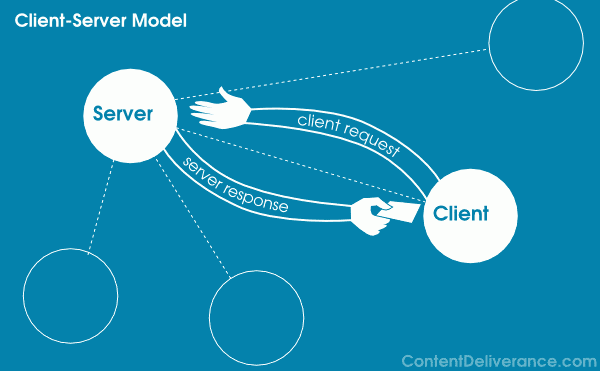
The web uses the internet as its medium to transfer or exchange data. It also uses a client-server model.
TIM BERNERS-LEE
Created the World Wide Web.
WEB 1.0 (STATIC PAGE)
It is the “readable” phrase of the World Wide Web with flat data. A static page, meaning users cannot interact with the page and the page are in read-only format.
Examples of Web 1.0 applications are shopping carts, mp3.com etc.
WEB 2.0 (DYNAMIC PAGE)
It is the “writable” phrase of the World Wide Web with interactive data. Unlike Web 1.0, Web 2.0 facilitates interaction between web users and sites, so it allows users to interact more freely with each other. Web 2.0 encourages participation, collaboration, and information sharing.
Examples of Web 2.0 applications are Youtube, Flickr, Facebook, etc.
The term used to describe the collection of web applications used for interaction and collaboration.
It was coined by Darcy DiNucci in 1999. It does not refer to a new version of the web, just a refocus of its use.
It is more that the retrieval of information. It is the participation in a website.
FEATURES OF WEB 2.0
FOLKSONOMY
It allows users to categorize and classify/arrange information using freely chosen keywords (e.g., tagging). Popular social networking sites such as Twitter, Instagram, Facebook, etc. use tags that start with the pound sign (#). This is also referred to as hashtag.
RICH USER EXPERIENCE
Content is dynamic and is responsive to user’s input. An example would be a website that shows local content. In the case of social networking sites, when logged on, your account is used to modify what you see in their website.
LONG TAIL
Services are offered on demand rather than on a one-time purchase. In certain cases, time-based pricing is better than file-size-based pricing or vice versa. This is synonymous to subscribing to a data plan that charges you for the amount of time you spent in the Internet, or a data plan that charges you for the amount of bandwidth you used.
USER PARTICIPATION
The owner of the website is not the only one who is able to put content. Others are able to place a content of their own by means of comment, reviews, and evaluation. Some websites allow readers to comment on an article, participate in a poll, or review a specific product (e.g., Amazon.com, online stores).
SOFTWARE AS A SERVICE
Users will subscribe to a software only when needed rather than purchasing them. This is a cheaper option if you do not always need to use a software. For instance, Google Docs is a free web-based application that allows the user to create and edit word processing and spreadsheet documents online. When you need a software, like a Word Processor, you can purchase it for a one-time huge amount and install it in your computer and it is yours forever. Software as a service allows you to “rent” a software for a minimal fee.
MASS PARTICIPATION
It is a diverse information sharing through universal web access. Since most users can use the Internet, Web 2.0’s content is based on people from various cultures.
Web 3.0 and the Semantic Web
SEMANTIC WEB
Is a movement led by the World Wide Web Consortium (W3C). The semantic web provides a framework that allows data to be shared and reused to deliver web content specifically targeting the user.
WEB 3.0
It is the “executable” phrase of Word Wide Web with dynamic applications, interactive services, and “machine-to-machine” interaction. Web 3.0 is a smarter version and semantic web which refers to the future. In Web 3.0, computers can interpret information like humans and intelligently generate and distribute useful content tailored to the needs of users. One example of Web 3.0 is Tivo, a digital video recorder. Its recording program can search the web and read what it finds to you based on your preferences.
SEVERAL PROBLEMS OF WEB 3.0
1. COMPATIBILITY
HTML files and current web browsers could not support Web 3.0.
2. SECURITY
The user’s security is also in question since the machine is saving his or her preferences.
3. VASTNESS
The World Wide Web already contains billions of web pages.
4. VAGUENESS
Certain words are imprecise. The words “old” and “small” would depend on the user.
5. LOGIC
Since machines use logic, there are certain limitations for a computer to be able to predict what the user is referring to at a given time.
TRENDS IN ICT
1. CONVERGENCE
Is the synergy of technological advancements to work on a similar goal or task. For example, besides using your personal computer to create word documents, you can now use your smartphone.
2. SOCIAL MEDIA
Is a website, application, or online channel that enables web users to create, co-create, discuss, modify, and exchange user generated content.
SIX TYPES OF SOCIAL MEDIA
SOCIAL NETWORKS
These are sites that allows you to connect with other people with the same interests or background. Once the user creates his/her account, he/she can set up a profile, add people, share content, etc.
Example: Facebook and Google+
BOOKMARKING SITES
These are sites that allow you to store and manage links to various website and resources. Most of these sites allow you to create a tag allows you to and others easily share them.
Example: StumbleUpon/Pinterest
SOCIAL NEWS
These are sites that allow users to post their own news items or links to other news sources. The users can also comment on the post and comments may also be rank.
Example: reddit and Digg
MEDIA SHARING
These are sites that allow you to upload and share media content like images, music and video.
Example: Flickr, Youtube and Instagram
MICROBLOGGING
These are sites that focus on short updates from the user. Those that subscribed to the user will be able to receive these updates.
Example: Twitter and Plurk
BLOGS AND FORUMS
These websites allow user to post their content. Other users are able to comment on the said topic.
Example: Blogger, WordPress and Tumblr
3. MOBILE TECHNOLOGIES
The popularities of smartphones and tablets has taken a major rise over the years. This is largely because of the devices capability to do the tasks that were originally found in PCs.
Several of these devices are capable of using high-speed internet. Today the latest model devices use 5G Networking (LTE), which is currently the fastest mobile network.
MOBILE OS
iOS
Use in apple devices such as iphone and ipad.
ANDROID
An open source OS developed by Google. Being open source means mobile phone companies use this OS for free.
BLACKBERRY OS
Use in blackberry devices.
WINDOWS PHONE OS
A closed source and proprietary operating system developed by Microsoft.
SYMBIAN
The original smartphone OS; used by Nokia devices.
WEB OS
Originally used in smartphones; now used in smart TV’s.
WINDOWS MOBILE
Developed by Microsoft for smartphones and pocket pcs.
4. ASSISTIVE MEDIA
Is a non-profit service designed to help people who have visual and reading impairments. A database of audio recordings is used to read to the user.
LESSON 2: RULES OF NETIQUETTE
INTERNET
The Internet, truly is a powerful tool. It can be used to promote business, gain new friends, and stay in touch with the old ones.
The Internet is defined as the information superhighway.
ONLINE SAFETY AND SECURITY
Common threats faced by the netizens everyday include other netizens with malicious intent (scamming, phishing, and other cybercrimes), unsecured programmed web applications, and malwares (virus, worm, trojan horse, etc.)
TIPS TO STAY SAFE ONLINE
Here are some tips to help you stay safe when using the Internet:
Be mindful of what you share and what site you share it to.
Do not just accept terms and conditions; read it.
Check out the privacy policy page of a website.
Know the security features of the social networking site you use.
Do not share password with anyone.
Avoid logging in to public networks/Wi-Fi.
Do not talk to strangers whether online or face-to-face.
Never post anything about future vacation.
Add friends you know in real life.
Avoid visiting untrusted websites.
Install and update an antivirus software on your computer.
If you have a Wi-Fi at home, make it a private network by adding password.
Avoid downloading anything from untrusted websites.
Buy the software; do not use pirated ones.
Do not reply or click links from suspicious emails
Here are some Internet Threats that you should be aware of:
1. MALWARE (MALICIOUS SOFTWARE)
Referring to any software that can disrupt normal business operations by destructing the network infrastructure, database, and file systems or by bypassing the authorization and authentication scheme of the system.
MALWAREVIRUS
A malicious program designed to replicate itself and transfer from one computer to another.
WORM
A malicious program that transfers from one computer to another by any type of means.
TROJAN
A malicious program that is disguised as a useful program but once downloaded or installed, leaves your PC unprotected and allows hacker to get you information.
SPYWARE
A program that runs in the background without you knowing it.
KEYLOGGERS – Used to record the keystroke done by the user.
ADWARE
A program designed to send you advertisements, mostly as pop-ups.
2. SPAM
Unwanted email mostly from bots or advertisers.
3. PHISHING
Its goal is to acquire sensitive personal information like passwords and credit card details.
One of the most common cyber-attacks wherein the attacker impersonates a trusted third party in an attempt to get the credentials or personal information of the victim.
An act of the attacker that seeks to gain the victim’s trust takes advantage of the victim to perform further attacks.
5. HACKING
Obtaining unauthorized access to data from a certain computer network.
PROTECTING REPUTATIONS ONLINE
In the past, doing something embarrassing was not much a big deal.
Nowadays, embarrassing moments are captured using any device you could imagine.
This could impact not only your reputation but also the people around you.
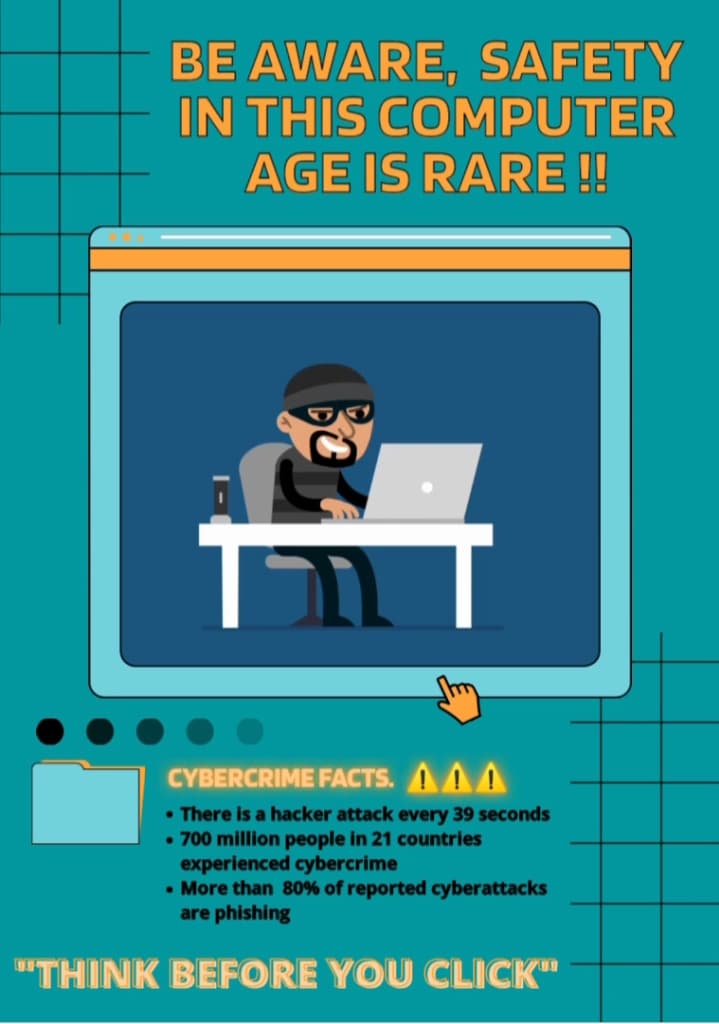
THINK BEFORE YOU CLICK
Before you post something on the web, ask these questions to yourself:
Would you want your parents or grandparents to see it?
Would you want your future boss to see it?
Your friends depend on you to protect their reputation online.
Set your post to “private”.
Avoid using names.
If you feel that a post can affect you or other’s reputation, ask the one who posted it to pull it down or report it as inappropriate.
COPYRIGHT INFRINGEMENT
Intellectual Property
Copyright Law
Copyright Page “No part of this book may be copied, reproduced……”
Understand. Copyright protect literary works, photographs paintings, drawings, films, music (and lyrics), choreography, and sculptures.
Be responsible. Even if a material does not say that it is copyrighted, it is not a valid defense against copyright.
Be creative. Ask yourself whether what you are making is something that came from you or something made from somebody else’s creativity.
Know the law. There are some limitations to copyright laws.
ONLINE RESEARCH
Have a question in mind. Focus on a question you want answered.
Narrow it down. Search engines like Google, Bing, or Yahoo use several filters to determine the most appropriate result for you.
Advanced Search. The best way to filter information you get from search engines is by using the advanced search.
a set of digital tools that aid the user in performing research.
Look for a credible source. Some wikis, filled with updated information, are not a credible source. When using wikis, check out the link of he cited text.
Give credit. Give credit to the original author of the page or information. To properly site a reference, you may use the format below.
Name of the person or organization (the author information). Title of the homepage in italics (title shown in the title bar but is sometimes missing or unrelated). ULR. Date last seen.
LESSON 3: APPLIED PRODUCTIVITY TOOLS WITH ADVANCES APPLICATION
MICROSOFT WORD
The most important word-processing office application used by students, teachers, IT professionals and companies etc. around the world.
Used to create and edit professional-looking document such as resume, books, admission forms, letters, paper, reports and booklets, cover pages, notes, note, assignments, brochures, and even web pages.
FEATURES
Template
Clipboard
Font (Color, Size, Style)
Paragraph
Styles
Editing
View
LETTERS
Microsoft Word enables you to create a range of correspondence from a simple office memo to mail-merged form letters with hundreds of addresses. Special programming in the software senses when you are typing a business letter and will pop up a guide to help format the letter correctly.
ENVELOPES
Envelopes can be created or word can be read a letter you have typed in the program, collect the address information and automatically create a matching envelope. An address bar code can be added to the envelope to assist with mailing.
FORMAT USING MS WORD
Header and Footer
Headings and Subtitles
Cover page
Picture (format, arrange)
Drop Cap
Table of Contents
References
Page Border, Color and Watermark
MICROSOFT EXCEL
Electronic spreadsheet programs were originally based on paper spreadsheets used for accounting. As such, the basic layout of computerized spreadsheets the same as the paper ones. Related data is stored in tables – which are a collection of small rectangular boxes or cells or organized to rows and columns.
When you look at the Excel screen – or any other spreadsheets screen – you can see rectangular table or grid of rows and columns.
In newer versions of Excel, each work sheet contains roughly a million rows and more than 16,000 columns, which necessitates an addressing scheme in order to keep track of where data is located.
The horizontal rows are identified by numbers (1,2,3) and the vertical columns by letters d the alphabet (A, B, C). For columns beyond 26, columns are identified by two or more letters such as AA, AB, AC or AAA, AAB, etc.
The intersection point between a column and a row is the small rectangular box known as a cell. The cell id the basic unit for storing data in the worksheet, and because each worksheet contains millions of the cells, each one is identified by its cell reference.
A cell reference is a combination of the column letter and the row number such as A3, B6, and AA345. In these cell references, the column letter is always listed first.
MICROSOFT POWERPOINT
Used to create professional – looking slideshows that can be displayed on projectors or big screens TVs.
An easy-to-learn program that is used worldwide for presentations on business and classrooms.
Comes with many templates that set the tone of a presentation – from casual to off the wall.
FEATURES
SlideMaster
Design
Transition
Animation (Entrance, Emphasis, Exit, Motion Path)
Animation Pane
CREATING A PRESENTATION
24 is the default font size
Dark background = Light Text
Light background = Dark Text
Color Scheme
Animation and Transition should be on point
CREATING AN EFFETIVE PRESENTATION
MINIMIZE
Keep slide to a minimum to maintain a clear message and to keep the audience attentive.
CLARITY
Avoid being fancy by using a font style that is easy to read. Make sure that it is also easy to read.
SIMPLICITY
Summarize the information on the screen. Limit that content to six lines and seven words per line also known as 6X7 rule.
VISUAL
Use graphics to help you in the presentation but not too many distract the audience.
CONSITSENCY
Make you design uniform. Avoid having different font styles and backgrounds.
CONTRAST
Use light font on dark background or vice versa. In most instances, it is easier to read on the screen if the background is dark.
CREATING AN EFFETIVE PRESENTATION
MINIMIZE
Keep slide to a minimum to maintain a clear message and to keep the audience attentive.
CLARITY
Avoid being fancy by using a font style that is easy to read. Make sure that it is also easy to read.
SIMPLICITY
Summarize the information on the screen. Limit that content to six lines and seven words per line also known as 6X7 rule.
VISUAL
Use graphics to help you in the presentation but not too many distract the audience.
CONSITSENCY
Make you design uniform. Avoid having different font styles and backgrounds.
CONTRAST
Use light font on dark background or vice versa. In most instances, it is easier to read on the screen if the background is dark.
USING EMBED IN MS POWERPOINT
EMBEDDING
The act of placing objects within the presentation.
Go to Insert Tab.
On the Text group, click on Object.
The insert Object dialog box wound appear.
OPTIONS:
CREATES NEW
Creates a new file from scratch. You can select on a wide variety of files listed.
CREATE FROM FILE
Creates a file from an existing file save in your drive.
USING HYPERLINKS IN MS POWERPOINT
HYPERLINK
A text or object that contains a link to another file, web page, a place in document, or an email address.
WAYS TO INSERT HYPERLINKS
Select an object or highlight a Text.
Go to dialog box would appear Insert > Hyperlinks (under links category) or use the shortcut key Ctrl + K. The Insert Hyperlink dialog box would appear.
LINKS TO OPTION
EXISTING FILE or WEB PAGE
Creates a hyperlink to website or a local file saved in your hard drive.
PLACE IN THIS DOCUMENT
Creates a hyperlink that allows you to jump to a specific slide in your presentation.
CREATE A NEW DOCUMENT
Creates a hyperlink that once clicked, creates a new document on you specified location.
E-MAIL ADDRESS
Creates a hyperlink that opens Microsoft outlook that automatically adds your specified recipient on a new email.
3. When done, click OK to apply your hyperlink.
LESSON 4 IMAGING & DESIGN FOR THE ONLINE ENVIRONMENT
Basic Principles of Graphics and Layout
Different File Formats and Documents Formats
Infographics
Basic Principles of Graphics and Layout
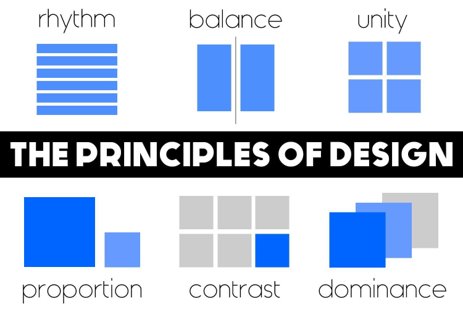
1. Balance
The visual weight of objects, texture, colors and space is evenly distributed on the screen.
Balance is crucial to the success of a design.
a. Symmetrical Balance
Is the order of elements so that they are evenly allocated to the left and to the right, or top and bottom of center.
b. Asymmetrical Balance
Is the order of different objects of the same weight on each side of the page. Color, shape, size, texture and value can be used as balancing elements.
2. Emphasis
An area in the design that may appear different in size, texture, shape or color to attract the viewer’s attention.
3. Proportion
Visual elements create a sense of unity where they relate well with one another.
4. Pattern / Repetition / Rhythm
These are the repeating visual element on an image or layout to create unity in the layout or image. Rhythm is achieved when visual elements create a sense of organized movement.
5. Variety
This uses several design elements to draw viewer’s attention
The most effective way to add aesthetic interest to a page is through contrast.
6. Movement
Visual elements guide the viewer’s eyes around the screen.
Movement is the art of nothing, and also the absence of text and graphics. Basically it splits in the elements on the page and provides visual breathing room for the viewer’s eye.
Online File Formats for Images and Text
.JPEG (Joint Photographic Expert Group)
This format is the most commonly used by digital cameras and other capture devices.
.GIF (Graphics Interchange Format)
Is an image compression type that allows you to display simple animation
.PNG (Portable Network Graphics)
This format is a bit of a combination of the two earlier formats, it was originated from GIF for the lossless compression attribute and for the display of pictures on the Internet.
Also displays picture with a transparent background
.PDF (Portable Document Format)
Developed by Adobe, this file format has all the features of a printed document as an electronic image, print, navigate or even forward to other people.
.DOC (Document File)
A format created by Microsoft and used in MS Word.
INFOGRAPHICS
Is a visual image to symbolize information or data such as chart or diagram
It presents a clear message quickly and clearly.
Grabs your attention and deliver an important message or teach you important information.
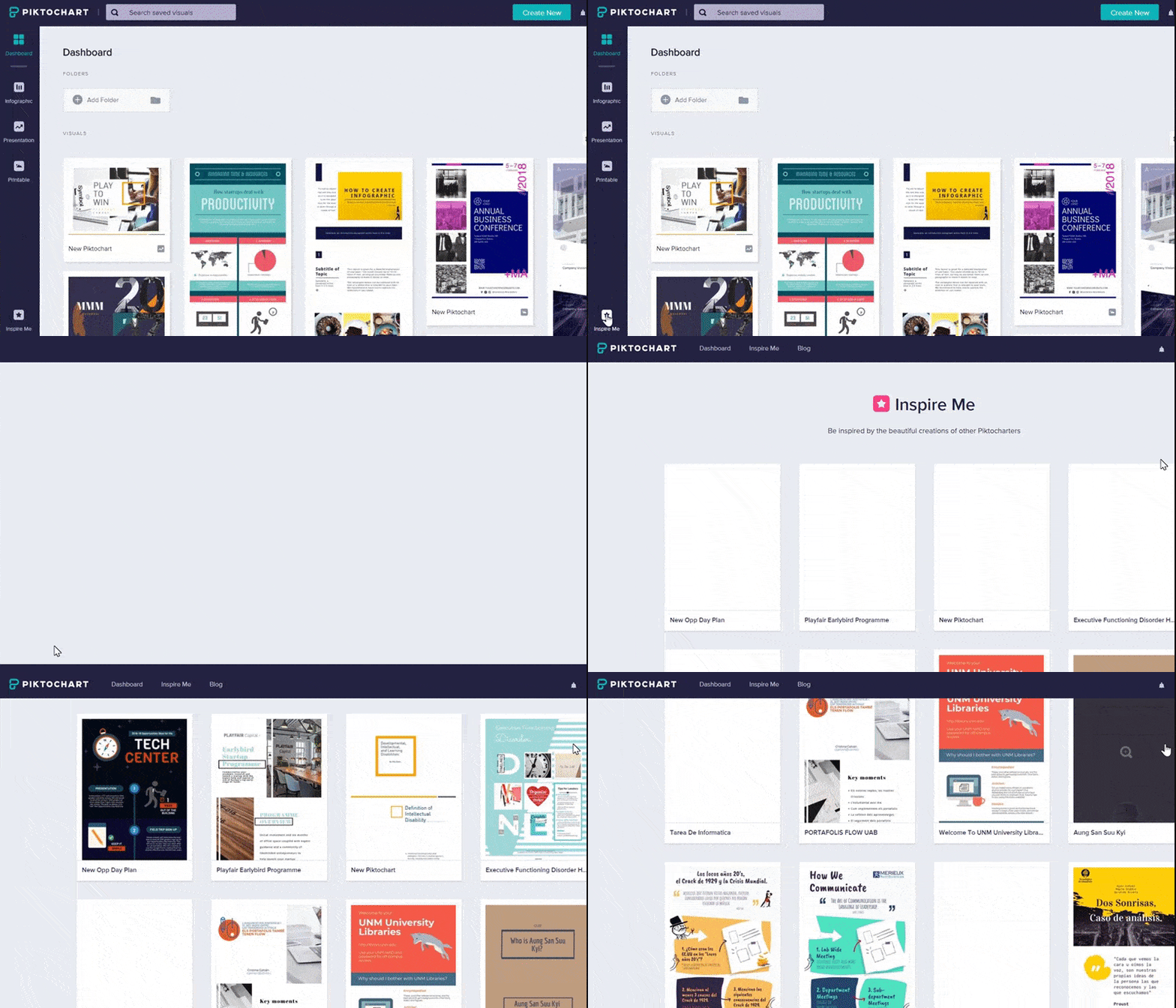
PIKTOCHART
Makes complex data visually appealing to the average user.
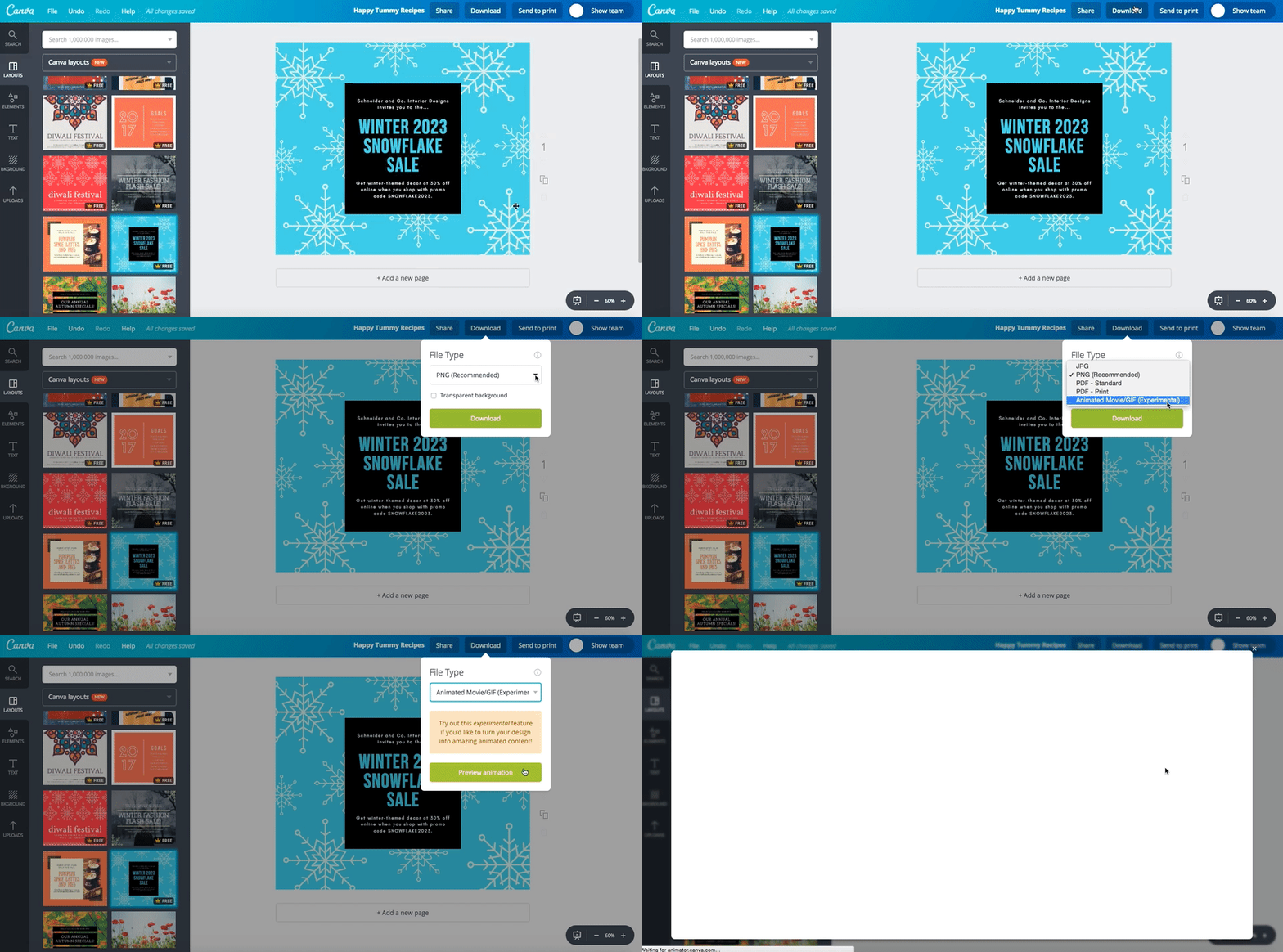
CANVA APP
Principles of Visual Message Design Using Infographics
1. Be Unique
Make it engaging and memorable with a unique twist on something that everyone can relate to.
2. Make it Simple
Don’t throw in so much detail and extraneous information that the audience is overwhelmed by everything going on in your infographic.
3. Be creative and bold
It’s important to make sure that your main message is bold and obvious.
4. Less is more
Keeping your text minimal will most likely produce more impact than a page full of words.
5. The importance of getting it across
The most important thing you want from an effective infographic is a simple way for people to share it with their friends.
LESSON 5: ONLINE PLATFORMS FOR ICT CONTENT DEVELOPEMENT
WHAT IS CLOUD COMPUTING?
The practice of using a network of remote servers hosted on the Internet to store, manage, and process data, rather than a local server or a personal computer.
CLOUD COMPUTING
It means storing and accessing data and program over the internet instead of your computer’s hard drive.
Google Drive
Evernote
Dropbox
ADVATAGES AND DISADVANATGES OF CLOUD COMPUTING
ADVATAGES:
No need to install
Saves hard disk space
Easy access to your files
Saves money
No need to update
Minimum system requirements
Back-up and data recovery are relatively easier
DISADVANTAGES:
Can be hampered down by slow internet speed
May require compatible software
You do not own the software
Security risks
More prone to hacking
Limited control over the infrastructure
Online Platforms for ICT Content Development
Social Media Platforms
Websites like Facebook allow you to create not only personal accounts but also pages and groups where you can share content, exchange information, career interests, ideas, and pictures/videos in virtual communities and networks.
Facebook
Twitter
Instagram
Blogging Platforms
It typically looks like a newsletter where you are given options to change the design to your liking. Though you can manipulate the design, social media platform’s popularity is still unrivaled.
Diary-style text entries (“posts”). Posts are typically displayed in reverse chronological order, so that the most recent post appears first, at the top of the web page.
Websites like:
WordPress
Tumblr
Blogger focus on content and design
The difference between the two platforms. In social media platforms, you can only post a status about a topic or a headline only but in blogging platforms is where you can explain the topic more in-depth than the social media platforms.
Content Management System(CMS)
A computer application (sometimes online or browser-based) that allows you to publish, edit and manipulate, organize and delete web content. CMS is used in blogs, news websites, and shopping.
WIX.COM
An Israeli software company, providing cloud-based web development services.
Application used to build and customize a website for your business and community for free. Design and build your own high-quality websites through Wix.com.
SQUARESPACE
Squarespace, Inc. is a private American company, based in New York City, that provides software as a service for website building and hosting. It is the all-in-one solution for anyone looking to create a beautiful website with an award-winning template.
WordPress
It is a free and open-source content management system. creates a free website or build a blog with ease on WordPress.com. There are dozens of free, customizable. mobile-ready designs and themes available.
One common idea of people is that WordPress cannot be used for commercial of professional purposes. We commonly think that WordPress is only for blogging but actually, http://www.sonymobile.com and https://mercedes-benz.com/en are both powered by WordPress.
It is considered a serious platforms for serious websites. From the creation of personal blogs to e-commerce sites, your skills and imagination are the only limits to what you can make for yourself.
A content publishing platforms that appeals to site developers because of its customizability and plug-ns.
It has actually two platforms, and these are:
WordPress.com
WordPress.org
And both of it are great for content.
LESSON 6: MULTIMEDIA IN ICT
MULTIMEDIA
Multimedia is the use of computer to present and combine text, graphics, audio, and video with links and tools that let the users navigate, interact, create, and communicate. You must have a computer to coordinate what you see and hear, and to interact with. Links and navigational tools allow you traverse the web of connected information. The use of multimedia helps you to gather, process, and communicate your own information and ideas. An important goal of this course is yo enable you to become a creator not just a consumer, of multimedia on the internet.
MULTIMEDIA IN ICT
Multimedia devices have an almost innumerous variety of applications. They are used in homes entertainment systems and used as educational tools aside from its primary purpose-date processing and storage.
USES OF MULTIMEDIA
EDUTAINMENT
Educators for example have been combining some of the exciting elements of the video game applications with select features of educational materials. The concept of edutainment was created by merging the concept of education with entertainment.
BUSINESS COMMUNICATION
Multimedia also offers critical services in the business world. the quality of business communication is enhanced by multimedia. Product promotion, consumer information, and communication to employee can be done with multimedia.
ENTERTAINMENT
Multimedia also brought advances in the field of entertainment. Developers use sound, animation, and graphics of multimedia to create games that can be realistic in setting and engaging for audience.
PUBLIC ACESS OF INFORMATION
The availability of multimedia applications allowed public access to information either online of offline. Tourist information either system, navigational system, and electronic publishing are some examples of uses of
Most websites you see today have embedded YouTube videos on them. To remedy the problem that not everyone has fast internet connection, the YouTube videos can be set to be played “On-Demand” rather than having the played automatically. Everyone. With today’s Internet connection, everyone can enjoy much better looking website are also rich in media content.
MULTIMEDIA CONTENT
VIDEOS
Through video hosting sites, you can take a video and show it to be world.
Example: Youtube
SOUND OR MUSIC
If the videos are too much for you, you can always record sounds. You can now share you sound bites to the entire world.
Example: Soundcloud
ONLINE GAMES
Online developers now create what is called browser-based games. You do not need yo install these games to your computer as they run in most updated web browsers.
Example: Adventure Quest, Farmville, Candy Crush
ONLINE TEST
Online survey forms and tests that automatically display the results when finished.
Example: Online IQ, and Personality Tests
COURSEWARE
Online courses that stimulate the classroom online.
Example: E-Learning Courses using a Learning Management System
POSDCASTS
An episodic series of audio or text files streamed online.
Example: Stuff You Should Know, TED Talks, The Starters, Ear Biscuits
VODCASTS
An episodic series of video streamed online.
Example: YouTube series/shows like (Video Game High School, Good Mythical Morning)
LESSON 7: ICT AS PLATFORM FOR CHANGE
Technological Advancement from the past that Changed the World
Since the advancement of technology from the 1960s, its rapid growth and use have been uncontrollable. Changes in the way people communicate are intertwined with the hardware component or the gadget itself: from the simple desktop computer to the mobile devices that we have right now, from the simple dedicated program to programs that offer multitasking.
The Power of Social Media
Social media has also been used to increase awareness of social and political issues and organize demonstrations. Frequently cited disadvantages of social media includes:
Decrease in real-world
Personal connections
The possibilities of cyberbullying, stalking, hacking, and other privacy concerns.
Digital Citizenship
It refers to the utilization of information technology (IT) in order to engage in society, politics, and government.
Engage Positively
Respect the rights of others to participate and have an opinion.
Ask before tagging other people or posting photos.
Report offensive or illegal content.
Stand up and speak out about cyberbullying — protect your friends.
Don’t respond to hurtful or nasty comments — block and report cyberbullying.
Speak to your parents or trusted adult about upsetting online experiences.
Report threats of violence to the police (collect the evidence to show them).
Know your Online World
Learn how new skills will help you explore the online world.
Recognize online risks and how to manage them.
Look out for suspicious emails and scams.
Stand up and speak out about cyberbullying — protect your friends •keep passwords secret, strong and unique.
Know how to report bullying behavior on social media sites.
Choose consciously
Choose privacy and security settings carefully and check them regularly.
Choose friends wisely online — not everybody online is who they claim to be, regularly review your connections and remove people.
If you have made a mistake apologize and take down offensive material as soon as possible.
Ask for permission before uploading pictures of your friends.
ADVOCACY
Is a process of supporting and enabling people to: express their views and concerns, access information and services, defend and promote their rights and responsibilities.
Change.org
Change.org is dubbed as the “World’s platform for change” where anyone from the online community can create a petition and ask others to sign it.
Change.org gives access to more people by allowing the online community to affix their digital signatures on a petition.
Signing an Online Petition
Visit Change.org
Change.org works this way. If this is your first time to use Change.org, click Sign up or Log in with Facebook.
You can start your own petition, but for now, click on any petition you want under trending petitions.
Read the petition description to see if this petition matters to you. If it is, sign the petition by filling up the information on the right side of the screen.
Share the petition on Facebook to promote it.
Alternatively, you can check out petitions of your friends on Facebook, then click on those petitions to read about it and sign it.







































































 GROUP 4: E-Portfolio